

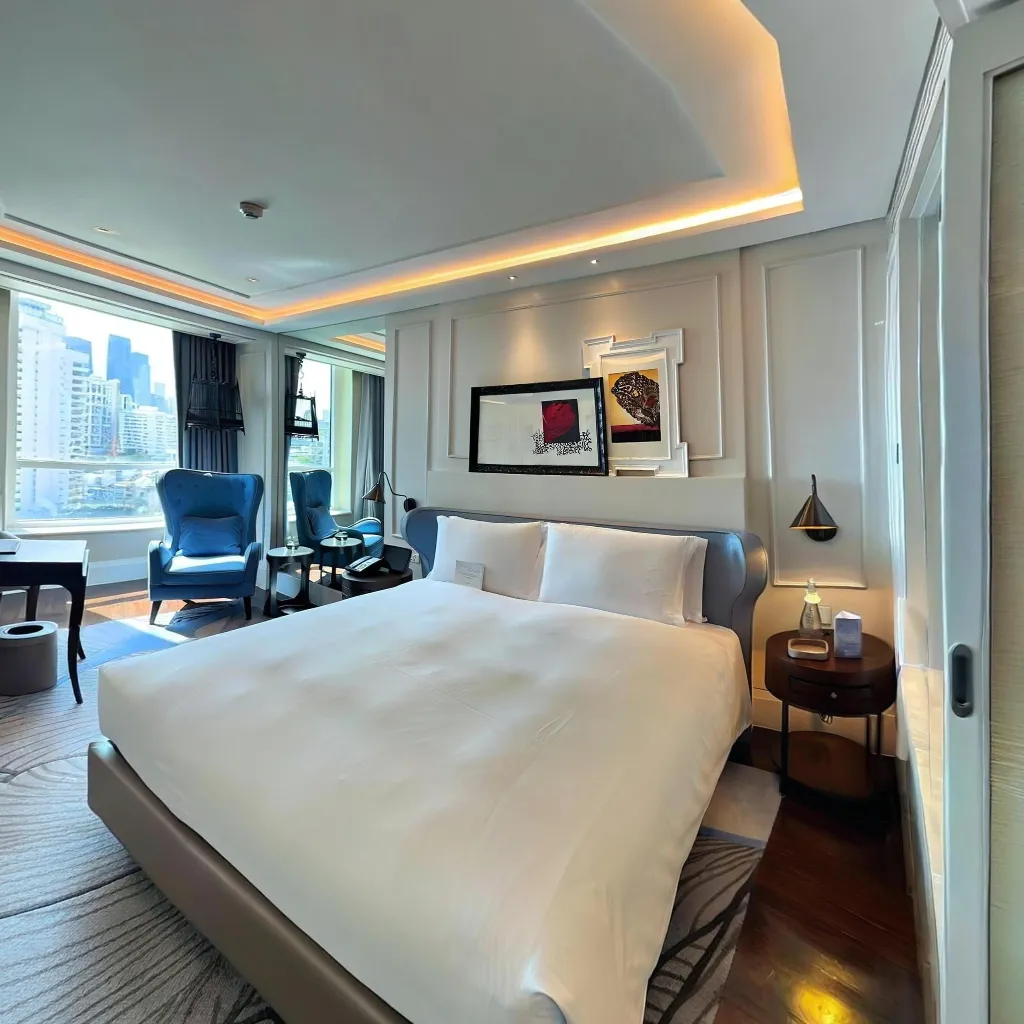
Smartphone virtual tour apps have transformed how immersive experiences are created. With AI-powered tools, anyone can now capture professional-quality 360° virtual tours using just a phone—no expensive cameras or technical expertise required. This guide explores the best smartphone virtual tour apps available today and explains what makes AI-driven solutions stand out.
What Defines a Good Smartphone Virtual Tour App
A great virtual tour app should combine ease of use with professional results. AI-powered stitching is essential for creating seamless panoramas without visible errors. An intuitive capture process helps users get started quickly, while fast processing ensures tours are ready in minutes. High-resolution output, flexible sharing options, and transparent pricing all play a key role in choosing the right platform.
Travvir: AI-Powered Virtual Tours from Your Smartphone
Travvir is built specifically for smartphone-based 360° virtual tours. Using spatial AI, it transforms regular phone photos into immersive panoramas—no tripod or 360 camera required. The app provides real-time capture guidance, automatic image enhancement, and fast processing, delivering finished tours in just a few minutes. Travvir’s pay-as-you-go pricing makes it accessible for individuals and businesses alike, with $100 in welcome credits and no subscription required. Features like custom branding, interactive hotspots, and built-in analytics make it suitable for professional use across real estate, hospitality, retail, and events.
Smartphone vs Traditional 360 Cameras
Traditional 360 cameras require expensive hardware, additional accessories, and complex post-processing workflows. In contrast, smartphone-based solutions like Travvir eliminate these barriers. By leveraging AI and devices users already own, virtual tours become faster to create, easier to manage, and far more cost-effective.
Other Virtual Tour Apps
Several alternative apps exist, each serving different needs. Google Street View offers a free entry point but lacks professional customization. Matterport delivers high-end results but comes with costly subscriptions and hardware requirements. Kuula is popular among photographers but often relies on external 360 cameras for best results. Compared to these options, AI-powered smartphone apps focus on accessibility and speed.
Why AI Is Shaping the Future of Virtual Tours
Choosing the Right App
The ROI of Virtual Tour Apps
Investing in a virtual tour app pays dividends across multiple areas:
Increased Engagement is evident as virtual tours receive 5x more views than static photos, capturing attention more effectively. Higher Conversion Rates show that buyers are 130% more likely to inquire after viewing a comprehensive tour. Time Savings are substantial, reducing unnecessary site visits by 65% and freeing up valuable hours. A Competitive Advantage helps you stand out in crowded markets where differentiation matters. Reduced Costs eliminate the need for professional photographers for routine updates. Finally, Always-On Marketing means your tours work 24/7 to showcase your space, generating leads even while you sleep.
Conclusion
The best smartphone app for creating 360 virtual tours depends on your specific needs, but for most users, Travvir offers the ideal combination of AI-powered technology, professional results, and affordable pricing. Its spatial AI eliminates the need for expensive 360 cameras while delivering quality that rivals traditional methods.
With $100 in welcome credits and no credit card required to start, you can experience the power of AI-driven virtual tours risk-free. Download Travvir today and transform how you showcase your spaces to the world.
Download Travvir & Start Creating


