

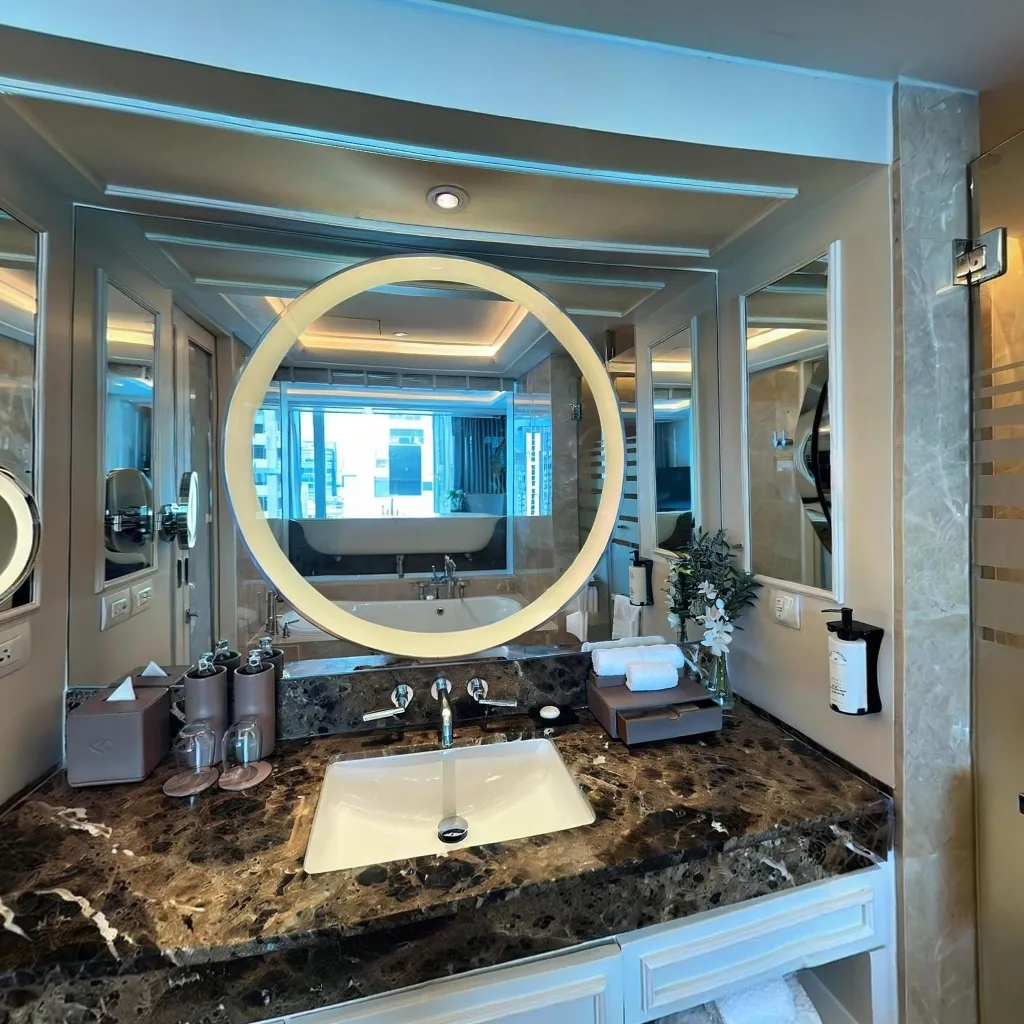
You don't need a $5,000 DSLR setup to create professional immersive virtual tours. Modern smartphone technology, combined with AI-powered apps, delivers results that rival expensive camera equipment. This guide shows you exactly how to create stunning virtual tours using nothing but your phone.
Why Smartphones Beat DSLRs for Virtual Tours
Professional photographers might disagree, but for virtual tour creation, smartphones offer significant practical advantages:
Portability and Convenience
Smartphones are always with you, eliminating the need to carry separate equipment on every shoot. You have instant access to capture opportunities as they arise without having to go back to get your gear. There's no setup time required – you can start shooting within seconds of arriving at a location. The minimal gear requirement means your phone plus an optional tripod is all you need to create professional tours.
Built-In AI Advantages
Modern smartphones leverage automatic stitching where AI combines your shots seamlessly without manual intervention. Exposure correction balances lighting automatically across different parts of the scene. Scene optimization intelligently adjusts for room type and lighting conditions to get the best results. Error correction capabilities fix minor mistakes in real-time, saving you from having to reshoot entire scenes.
Cost Efficiency
The financial difference is dramatic. A DSLR setup costs $5,000 to $15,000 when you factor in the camera body, 360-degree lens, tripod, and specialized software. A smartphone setup costs $0 since you're using the phone you already own. The learning curve spans weeks for DSLRs versus just hours for smartphones. Maintenance requirements are none for smartphones versus ongoing equipment care, cleaning, and updates for DSLR systems.
What You Actually Need
Essential Requirements
You'll need a smartphone – any model from the last 3-4 years works perfectly for creating tours. Download the Travvir app which is free and comes with $100 in credits to get you started. Ensure you have stable internet connection for uploading photos and processing your tours. Finally, make sure you have decent lighting in your spaces by turning on room lights and opening curtains to let in natural light.
Optional but Helpful
A tripod costing $15-30 improves stability and can make your shots sharper and more consistent. An external battery is useful for shots sharper and more consistent. An external battery is useful for large properties with many rooms to prevent your phone from dying mid-shoot. Keep a microfiber cloth handy to keep your lens clean between shots for consistently clear images.
Total cost: $0-30 vs. $5,000+ for DSLR setups
The Complete Creation Process
Phase 1: Preparation (5-10 minutes)
Declutter spaces by removing personal items and organizing furniture to make rooms look their best. Optimize lighting by turning on all lights in the space and opening blinds halfway to balance natural and artificial light. Clean your lens thoroughly by wiping your phone camera with a microfiber cloth to ensure sharp, clear images. Plan your route by deciding the order of rooms to capture for logical flow. Finally, charge your phone to ensure you have at least 50% battery remaining before you begin.
Phase 2: Capture (3-5 minutes per room)
Position yourself in the center of the room at chest height for the most natural perspective. Open the Travvir app and click "Create New Place" to start your project. and click on "add 360" scan and start capture guidance that shows you exactly where to point your camera. Complete a 360-degree scan by moving slowly and overlapping your shots for seamless stitching. then upload your scan and let the AI process your tour in the background while you move on to the next room.
Phase 3: Processing
During this phase, the system uploads your images to cloud servers where AI stitches your photos into spherical panoramas automatically. The technology performs automatic exposure correction and color grading to ensure consistency. Scene optimization and quality enhancement happens behind the scenes to make your tour look its best. You do nothing during this phase – the AI handles everything while you continue capturing more rooms or take a break.
Phase 4: Enhancement
Add navigation hotspots to connect rooms with clickable arrows that guide viewers through your space. Set the starting view by choosing where viewers begin their tour for the best first impression. Add information tags to highlight key features that you want viewers to notice and appreciate. Customize branding by adding your logo and brand colors for a professional, cohesive appearance.
Phase 5: Publishing
In the final phase, you can get a shareable link to send to anyone via email or messaging. Get the embed code to place your tour directly on websites for seamless integration. Download the Scan for offline viewing if needed for presentations without internet. You can even export to Google Street View to reach a wider audience through Google's platform.
Achieving Professional Quality
Lighting Mastery
Lighting is the biggest factor in tour quality. Achieve balanced exposure where there are no blown-out windows or dark corners that distract from the space. Use warm tones by mixing natural and artificial light for an inviting atmosphere. Ensure even coverage throughout the room by eliminating harsh shadows that create uneven illumination. Shoot during golden hour for rooms with large windows to take advantage of soft, flattering natural light.
Composition Techniques
Use strategic positioning to show rooms at their best angles and maximize perceived space. Create depth by including foreground, midground, and background elements that add dimension to your scenes. Identify focal points and position them prominently to highlight impressive features first when viewers enter each scene. Design natural flow by creating logical navigation between spaces that mirrors how people would naturally walk through the property.
Technical Excellence
Maintain perfect horizontal alignment with level horizons throughout all scenes for a professional appearance. Ensure complete scene coverage with no missing areas that would create gaps in the viewing experience. Create smooth transitions between rooms that don't jar or disorient viewers. Optimize for fast loading times by using appropriate file sizes that balance quality with performance.
Real Results: Quality Comparison
Smartphone Virtual Tours
Modern smartphone tours offer 8K spherical resolution, which is more than sufficient for all display types from mobile screens to desktop monitors. Color accuracy is excellent thanks to AI-optimized processing that automatically adjusts tones and hues. Stitching quality is seamless with AI-corrected alignment that eliminates visible seams. Processing time is remarkably quick at just 2-5 minutes per scene. The cost per tour ranges from $20-100 depending on the size and complexity of the property.
DSLR Virtual Tours
DSLR systems produce 12K-16K spherical resolution, which is actually overkill for web viewing where most people experience tours. Color accuracy is excellent but requires manual adjustment by skilled technicians. Stitching quality is perfect but requires significant expertise and experience to achieve. Processing time is substantially longer at 15-30 minutes per scene due to manual intervention requirements. The cost per tour becomes expensive when you factor in equipment depreciation, software licenses, and the time investment required.
The verdict: For web-based virtual tours (the primary use case), smartphone quality exceeds viewer needs. The marginal quality increase from DSLRs doesn't justify the cost or complexity.
Time Investment Comparison
Creating a 10-Room Virtual Tour
Smartphone Method:
Setup takes just 10 minutes to prepare spaces and equipment. Capture requires 50 minutes total, working out to about 5 minutes per room. Processing is automated and happens in the background while you're shooting other rooms. Enhancement takes 15 minutes to add hotspots and branding. The total time investment is just 75 minutes for a complete 10-room virtual tour.
DSLR Method:
Equipment setup alone requires 30 minutes to assemble and configure all components. Capture takes 100 minutes total, at 10 minutes per room due to tripod positioning and manual settings. Processing is the real time killer at 300 minutes total, requiring 30 minutes per room for manual stitching and corrections. Enhancement takes 30 minutes since you're working with more complex software. The total time investment reaches 460 minutes, which equals 7.6 hours for the same 10-room tour.
Efficiency gain: Smartphones are 6x faster for equivalent results.
Industry Professional Adoption
Who's Using Smartphone-Based Tours?
Real estate agents are embracing the technology, with 60% now creating their own tours instead of hiring photographers. Property managers save significantly by avoiding photographer fees for each listing. Airbnb hosts report increasing bookings by 40% after adding virtual tours to their listings. Small businesses finally have access to an affordable marketing tool that was previously out of reach. Event venues use smartphone tours for quick showcases when responding to inquiries, dramatically speeding up their sales process.
Professional Photographers Adapting
Even dedicated photographers are adapting their workflows by adopting smartphone technology. They use their DSLR for high-quality listing photos that showcase key features. They switch to smartphone for virtual tours where speed and ease matter more than marginal quality increases. This allows them to complete both services in a single property visit, making their time more efficient. They can now offer premium packages that include both services at competitive prices that clients find attractive.
Getting Started Today
Your First Virtual Tour
Download Travvir app The app is available on both iOS and Android platforms. When you sign up, you'll get $100 in free credits to start creating tours immediately. Watch the quick tutorial video included in the app to familiarize yourself with the interface and basic functions.
Pick a practice space Start with just one room to keep things simple while you learn. Choose a well-lit area that will photograph nicely without much effort. Do a quick cleanup if needed to remove obvious clutter and make the space presentable.
Capture your first scene Follow the app's visual guidance that shows you exactly where to point your camera. Move slowly and steadily as you rotate to capture all angles. Complete full 360-degree coverage by following the on-screen indicators until they turn green.
Let AI process Upload happens automatically once you've completed the capture. Watch the real-time progress bar to see how your tour is being assembled. No technical knowledge is needed – the system handles everything for you.
Preview and share Navigate through your creation to see how it turned out. Generate a shareable link that you can send to anyone via email or messaging. Share with friends to get feedback on your first tour and celebrate your accomplishment.
Advanced Smartphone Techniques
Multi-Scene Tours
Create comprehensive property walkthroughs by shooting 5-10 key rooms that showcase the most important areas. Connect scenes with navigation hotspots that allow viewers to move naturally through the space. Create a logical flow between spaces that mimics how someone would actually walk through the property. Add a floor plan for orientation in larger properties so viewers can understand the overall layout and where each room is located.
Special Features
Enhance your tours with information hotspots that add details about specific features when viewers click them. Include measurement tools to show room dimensions for viewers who want to know exact sizes. Apply custom branding with your logo and colors for professional presentation that reinforces your identity. Add lead capture forms to collect viewer information and build your prospect list automatically.
Maximizing Tour Impact
Distribution Strategy
Embed your tour on property websites or listings for seamless integration that keeps visitors engaged on your site. Share the link via email and messaging apps to send directly to interested prospects. Post on social media platforms with an eye-catching preview image to drive traffic and engagement. Submit to Google Street View to reach a wider audience through Google's massive platform. Include tours in email marketing campaigns to increase click-through rates and engagement with your content.
Performance Tracking
Monitor these metrics to optimize your results and understand what works. Track view count and duration to see how many people are viewing your tours and how long they stay engaged. Analyze hotspot engagement to understand which areas and features attract the most attention. Check device types used to ensure your tours work well on the platforms your audience prefers. Review geographic distribution to see where your viewers are located. Most importantly, measure conversion to inquiries to understand how tours translate into actual business opportunities.
The Future is Mobile
Smartphone technology continues advancing rapidly while DSLR development has plateaued. AI capabilities improve monthly, making smartphone virtual tours better every year without requiring new hardware.
The democratization of immersive content creation means anyone can now produce professional-quality virtual tours. The barrier isn't equipment anymore—it's simply deciding to start.
Download Travvir & Start Creating


