

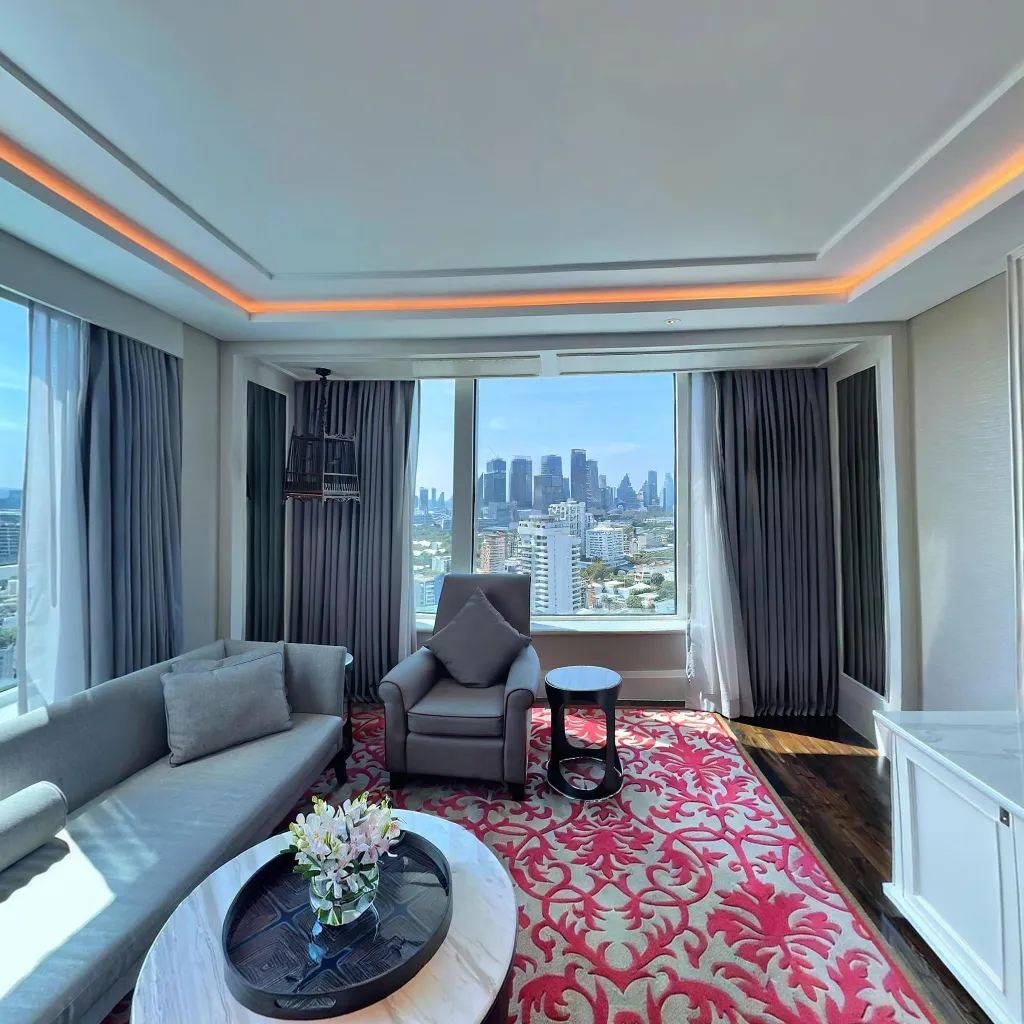
Taking 360 photos with your smartphone for virtual tours is simpler than you think. With the right technique and a few professional tips, you can capture stunning 360-degree images that rival expensive camera setups. This guide focuses on the practical techniques that make the biggest difference in your results.
Understanding 360 Photo Capture on Smartphones
Unlike traditional photography where you capture one angle, 360 photos require capturing all directions around a single point. Modern smartphones use AI to stitch multiple images together, creating a seamless spherical view.
The key difference: you're not just taking a photo—you're building a complete environment that viewers can explore interactively.
Essential Camera Settings for 360 Photos
Before You Start Shooting
There are several critical camera settings you should configure before capturing your 360 photos. First, lock your exposure to prevent brightness changes between shots, which can create jarring transitions in your final panorama. Next, disable HDR as AI stitching works better with consistent exposures rather than the variable exposure levels HDR produces. Make sure to turn off flash since it creates harsh shadows and uneven lighting that look unprofessional. Always set highest resolution available on your device because more detail translates directly to better final quality. Finally, take a moment to clean your lens—fingerprints and smudges can ruin otherwise perfect shots.
Ideal Shooting Conditions
Natural, even lighting produces the best results for 360 photography. When capturing outdoor scenes, shoot during overcast days when the diffused light eliminates harsh shadows and bright spots. For indoor spaces, turn on all interior lights to ensure even illumination throughout the room. Always avoid shooting directly into windows or bright lights, as this can cause exposure problems and lens flare. Additionally, wait for consistent lighting conditions—don't start shooting when moving clouds are casting changing shadows across your scene.
The Perfect 360 Photo Shooting Technique
Body Positioning
Your stance significantly impacts photo quality in several important ways. Always stand in room center to maintain equal distance from all walls, which helps create balanced perspectives throughout your panorama. Hold phone at chest level as this represents the most natural viewing height and matches how people actually experience spaces. Keep arms close to body to minimize your presence in shots and reduce the amount of editing needed later. Finally, face away from key features so that your body blocks less important areas rather than the main attractions of the space.
Capture Pattern
Follow the app's guidance system, but understanding the underlying pattern will help you capture better results. Start with horizon-level shots in all four cardinal directions to establish the base of your panorama. Next, capture 45-degree upward angles between each cardinal direction to fill in the upper portions. Then shoot directly overhead to capture the ceiling or sky. After that, take 45-degree downward angles to complete the middle and lower sections. Finally, finish with a straight-down floor shot to ensure complete coverage of the entire sphere.
Pro tip: Overlap each shot by 30-40% with the previous one. More overlap means better stitching.
Advanced Techniques for Professional Results
The Bracket Shooting Method
For challenging lighting scenarios, take multiple exposures at different brightness levels. Capture one exposure optimized for bright areas like windows and lights, another exposure for medium tones such as walls and furniture, and a third exposure for dark areas including corners and shadows. AI stitching automatically blends these multiple exposures together for perfectly balanced lighting across your entire 360 photo.
Dealing with Reflective Surfaces
Mirrors and glass can create stitching problems that require strategic handling. Position yourself so that any reflections show less important areas of the room rather than key features. For large mirrors that can't be avoided, cover them with sheets if necessary to eliminate problematic reflections. When possible, shoot at angles that minimize direct reflections bouncing back into your camera lens. You can also use the "ghost yourself" technique by moving your position slightly after each shot, which helps the AI stitching algorithm remove your reflection from the final image.
Outdoor 360 Photography Tips
Outdoor photography presents unique challenges and opportunities for 360 captures. Take advantage of golden hour when warm, directional light adds depth and visual interest to your scenes. Consider wind conditions carefully, as moving vegetation causes stitching issues that are difficult to correct. Pay close attention to horizon alignment by keeping your phone level throughout the capture to prevent tilted or crooked results. Finally, practice people management by politely asking bystanders to either stay completely still during your capture or temporarily leave the frame.
Composition Principles for 360 Photos
Traditional photography rules still apply, with 360-specific considerations:
Focal Point Placement
Strategic focal point placement dramatically improves the viewer's experience. Position the most impressive feature directly ahead to create an immediate visual impact when the 360 photo loads. Secondary features should flank the main focal point on either side, creating a balanced composition. Hide less attractive areas behind the viewer's starting position where they're less likely to be noticed initially. Use furniture and architectural elements to create natural sight lines that guide the viewer's eye through the space.
Depth and Layers
Create visual interest with multiple planes of depth in your composition. Include foreground elements like tables and chairs positioned at 3-4 feet from your camera to anchor the scene. Place mid-ground features such as walls and windows at 8-12 feet to provide context and structure. Finally, ensure background details like far walls and exterior views are visible at maximum distance to create a sense of spaciousness and depth.
Quality Control Checklist
Before moving to the next room, verify your capture meets quality standards. Check that all areas show green coverage indicators in your app, confirming complete spherical coverage. Examine the preview carefully to ensure there are no major stitching errors or obvious seams. Verify that exposure looks consistent throughout the entire panorama without sudden brightness changes. Make sure no people or pets were caught mid-movement, which creates ghosting effects. Confirm that key features are clearly visible and in focus. Finally, check that the horizon appears level and not tilted, which can make viewers feel disoriented.
Remember: Retaking a scene takes 2 minutes. Fixing poor captures later is often impossible.
Common Photo Quality Issues and Fixes
Visible Stitching Lines
Cause: Insufficient overlap between shots
Fix: Shoot with 40% overlap minimum, move slowly between angles
Exposure Variations
Cause: Auto-exposure adjusting between shots
Fix: Lock exposure on medium-toned area before starting
Blurry Areas
Cause: Camera movement or low light
Fix: Use tripod, increase room lighting, hold phone steadier
Ghosting (Double Images)
Cause: Moving objects or people
Fix: Wait for movement to stop, clear the area, use faster shooting
Optimizing for Different Room Types
Small Rooms (Bathrooms, Closets)
Small rooms require special techniques to maximize their appearance. Shoot from the doorway to create maximum space perception and show the entire room at once. Turn on all available lights to eliminate shadows that can make small spaces feel even more cramped. Use vertical shooting angles to emphasize ceiling height and create a more spacious feeling.
Large Spaces (Living Rooms, Halls)
Large spaces benefit from capturing multiple 360-degree photos to show the entire area comprehensively. Position your captures strategically to highlight architectural features like fireplaces, built-ins, or impressive windows. Ensure even lighting across the entire space by turning on all fixtures and possibly supplementing with additional portable lights in darker corners.
Outdoor Areas (Yards, Patios)
Outdoor areas look most attractive when shot in the morning or evening hours for the best natural light quality. Make sure to include the sky in your captures for an impressive vertical perspective that emphasizes the open feeling of outdoor spaces. Position yourself strategically to show property boundaries and highlight key features like pools, gardens, or entertainment areas.
Post-Capture Enhancement Tips
While AI handles most processing automatically, you can optimize results through careful review. Retake problematic scenes immediately rather than settling for mediocre captures—it only takes a few minutes and dramatically improves your final product. Review on a larger screen like a tablet or computer to catch subtle issues that might be missed on your phone's display. Check all angles by navigating through the entire 360° view to ensure nothing important is cut off or distorted. Finally, test on different devices to ensure compatibility and consistent quality across platforms.
Professional vs. Amateur: What Makes the Difference
Professional-quality 360 photos share several key characteristics that separate them from amateur work. They feature consistent exposure with no blown-out windows or overly dark corners. The horizontal alignment is perfect with no tilted horizons that disorient viewers. Spaces are clean and decluttered, showing only intentional staging elements. Strategic positioning highlights the best features of each space while minimizing less attractive areas. The photographer remains invisible with no reflections in mirrors or shadows cast across the scene. Finally, sharp focus is maintained throughout the entire scene with no blurry areas or obvious focus transitions.
Practice Makes Perfect
Master these fundamentals through deliberate practice over a four-week period. During Week 1, focus on proper positioning and capture patterns to build muscle memory for the basic shooting technique. In Week 2, master exposure control and lighting optimization to ensure consistent quality across different environments. Week 3 should emphasize composition and strategic placement to make your spaces look their absolute best. Finally, during Week 4, challenge yourself by shooting different room types and lighting conditions to develop versatility.
By week four, you'll be capturing professional-quality 360 photos consistently.
Download Travvir & Start Creating


