

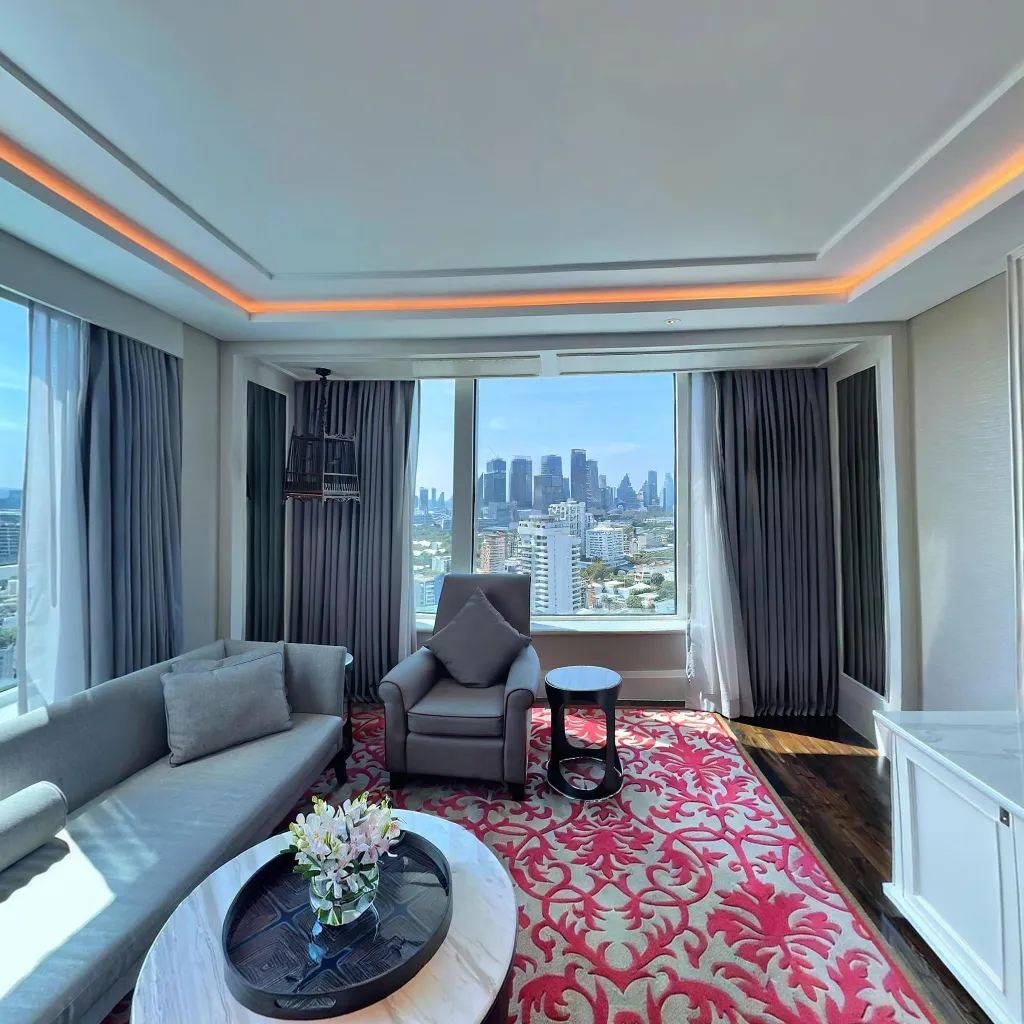
A 360 photo is a spherical image that captures a full 360° horizontal view and 180° vertical view simultaneously — creating a complete photographic record of every direction from a single point in space. Unlike a standard photograph that captures a rectangular slice of your field of view, a 360 photo captures the entire environment around the photographer. When you view a 360 photo, you can pan, zoom, and look in any direction, including straight up and straight down.
How 360 Photos Are Created
The Technical Process
360 photos are created through a process called image stitching. Multiple overlapping photographs — taken in different directions from the same point — are mathematically aligned and blended to create a seamless sphere. The resulting file is typically stored as an equirectangular image: a flat, rectangular file (usually with a 2:1 aspect ratio) that represents the spherical surface mapped to a flat plane, similar to how world maps represent the spherical Earth on a flat page.
Dedicated 360 cameras (like the Insta360, Ricoh Theta, or similar devices) do this automatically using dual fisheye lenses that each capture approximately 220° of view, with the overlap between them stitched together by onboard processing. Smartphone apps like Travvir achieve the same result by guiding you to capture multiple frames in sequence and performing the stitching in software.
Equirectangular Format Explained
If you download a 360 photo file and open it in a standard image viewer, it looks warped and stretched — especially at the top and bottom. This distortion is the natural result of projecting a sphere onto a flat surface. The left and right edges of the image are actually the same point — looking directly behind you. The extreme top of the image is the zenith (directly overhead), and the extreme bottom is the nadir (directly underfoot).
Specialised 360 viewers (like those used in Travvir, Google Street View, Facebook, YouTube, and Matterport) take this flat equirectangular file and re-project it onto a sphere, allowing the viewer to look around naturally. The metadata embedded in the file (specifically the XMP metadata tags used by the JPEG standard) tells these viewers that this is a 360 image and which projection type it uses.
Types of 360 Content
Static 360 Photos
A single spherical image from one fixed point in space. When you look at it in a viewer, you can rotate your view in any direction, but you cannot move through the space. These are the most common type of 360 content and the building blocks of virtual tours.
360 Virtual Tours
A collection of 360 photos taken from multiple positions within a space, connected by navigation hotspots that allow viewers to move from one position to another. As you navigate, the perspective shifts realistically, creating the sensation of walking through the environment. This is what Travvir and platforms like Matterport create.
360 Video
Similar to 360 photos in terms of the spherical capture method, but records continuous video rather than still images. 360 video cannot be navigated (you cannot choose where to go), but the view is interactive — you can look in any direction while the video plays. 360 video files are extremely large and typically streamed rather than downloaded.
Photogrammetry and 3D Scans (vs 360)
Photogrammetry-based tools like Matterport produce a different type of output: a 3D mesh model of a space derived from many overlapping photographs processed by AI. This creates a navigable 3D model rather than a collection of photographic spheres. The result looks different — more like a video game environment than photographic imagery — and requires significantly more processing power and specialised hardware.
How 360 Photos Are Displayed
Browser-Based Viewers
Platforms like Travvir, Kuula, and Momento360 display 360 photos via JavaScript WebGL rendering in a standard web browser. The equirectangular image is loaded and re-projected onto a sphere in real time. This allows 360 photos to be embedded in websites with an iframe tag, shared via links, or published directly to social media platforms.
Mobile App Display
360 photos viewed in mobile apps can use the device's gyroscope to enable orientation-tracked viewing: tilting and rotating your physical phone changes what you're looking at in the 360 scene. This creates an immersive viewing experience without a headset — you physically move your device to look around the space.
VR Headset Display
The same equirectangular 360 photo file that displays in a browser can be viewed in a VR headset (Meta Quest, Apple Vision Pro, Cardboard, etc.) for a fully immersive experience. Head tracking replaces mouse/touch navigation, and stereoscopic 360 content creates the illusion of depth within the scene.
Common Questions About 360 Photos
Can I Take a 360 Photo with My Normal Smartphone?
Yes. Smartphone apps including Travvir, Google Street View, and others use your phone's single camera and guided capture to create 360 photos. The app prompts you to rotate and capture multiple overlapping frames, then stitches them automatically. The result is a genuine 360 photo that can be shared anywhere standard 360 content is supported. See our guide on whether you need a dedicated 360 camera for a detailed comparison.
What's the File Size of a 360 Photo?
A typical 360 photo created by a smartphone app ranges from 8–25 MB as a JPEG file. Dedicated 360 cameras produce files in the range of 20–80 MB at higher resolutions. After platform compression (Google, Facebook, and most web viewers apply compression), the effective delivered file size is typically 2–8 MB for normal display conditions.
How Are 360 Photos Different from Panoramic Photos?
A panoramic photo is a wide-angle image — typically wider than a standard photo but still a flat rectangle. You can print a panorama and hang it on a wall. A 360 photo is a complete sphere — it wraps around you in every direction. A panoramic photo is a subset of what you could see from a given point; a 360 photo is the complete view of everything visible from that point.
Conclusion: The Essentials of 360 Photography
A 360 photo captures the complete environment from a single point in space, stored as an equirectangular image that viewers can explore interactively. The technology is now accessible through any modern smartphone via apps like Travvir, and the output can be published to Google, websites, social media, and VR platforms using the same file.
For businesses, 360 photos form the foundation of virtual tours that improve local SEO, increase conversion rates, and help customers make confident purchasing decisions. For individuals, they're a powerful way to share places and experiences in a format that goes far beyond what a standard photograph can convey.

