

Airbnb hosts who add a 360 virtual tour to their listing see measurable booking rate improvements that can transform an underperforming property into a top-quartile performer in their market. This guide covers the data behind Airbnb virtual tours, the practical steps to create one, and the specific listing optimisation strategies that convert tour viewers into confirmed bookings.
Why Virtual Tours Work Specifically for Airbnb
The Trust Problem That Tours Solve
The single biggest barrier to booking a short-term rental is uncertainty. Guests know that listing photos are professionally styled, selectively angled, and sometimes outright misleading. 47% of negative Airbnb reviews mention "not as described" as a contributing factor. Virtual tours address this by showing the property honestly and completely — building trust through transparency rather than through curated photography.
Guests who explore a virtual tour before booking arrive with accurate expectations. This direct mechanism is why hosts with virtual tours report significantly lower 1-star and 2-star review rates — guests knew exactly what they were getting, so there are no surprise-driven disappointments.
The Booking Data
Airbnb hosts who have added virtual tours report the following improvements (based on aggregated host community data and third-party rental analytics): Booking rate increase of 20–40% on comparable listings. Inquiry-to-booking conversion improvement of 30–55% — guests who view a tour ask fewer questions and book more decisively. Pre-booking inquiry reduction of 40–60% — common questions like "how big is the bedroom?", "is there room for two suitcases?", and "can I see the bathroom?" are answered by the tour. For hosts managing multiple properties, this inquiry reduction translates to significant time savings.
What to Capture in Your Airbnb Virtual Tour
Priority Rooms: What Guests Care About Most
Master bedroom: This is the primary conversion room in Airbnb tours. Guests evaluate bed quality, room size, blackout curtain availability, and sleeping comfort before anything else. Capture the bedroom from the doorway (to show full size) and from the corner opposite the bed (to show the headboard, side tables, and room details).
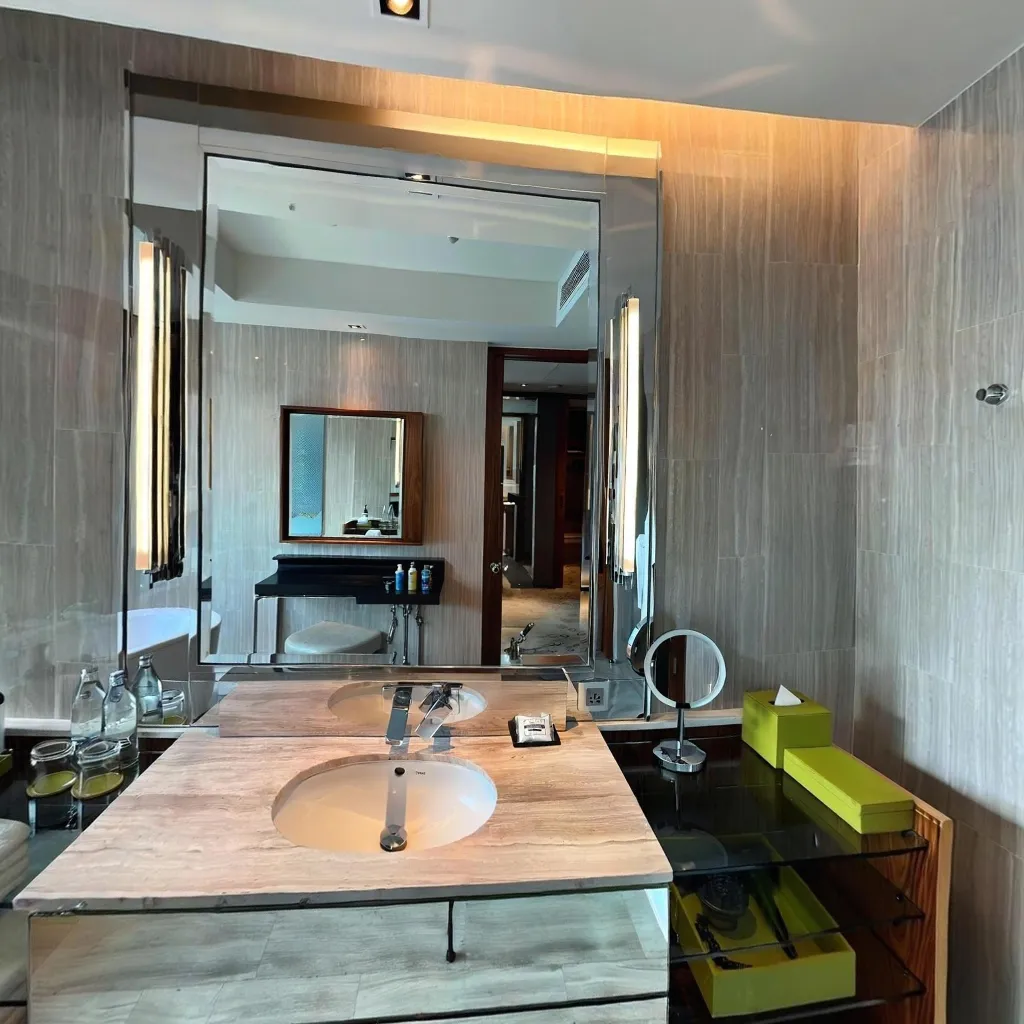
Bathroom: Cleanliness anxiety is one of the most common Airbnb guest concerns. A thorough virtual tour of a spotlessly clean bathroom — including the shower, toilet area, and counter space — addresses this anxiety preemptively. A clean bathroom in a 360 tour is one of the most powerful booking conversion elements in the short-term rental category.
Kitchen or kitchenette: Business travellers and family guests make booking decisions heavily based on kitchen facilities. Show exactly what appliances are available (microwave, coffee maker, dishwasher, stovetop), the counter workspace, and cabinet space. Don't over-stage — guests want to see the real usable space, not an unrealistically sparse styled kitchen.
Living/common area: Seating capacity matters significantly for groups. Show the actual number of seats, the TV setup, any work desk, and the Wi-Fi router placement if connectivity is a selling point.
Outdoor areas: If your property has a patio, garden, pool, hot tub, or terrace, capture these prominently. Outdoor amenities command a 15–30% premium in nightly rate, and guests who see them clearly in a virtual tour are significantly more likely to book without further questions.
What Not to Include
Storage areas, utility rooms, and service entrances add scene count without adding value — skip them. Hallways can be included as navigation bridges between main rooms but should not be featured scenes. Cluttered areas that aren't fully guest-ready should be prepared before shooting, not included at a lower standard.
Creating Your Airbnb Virtual Tour: Step by Step
Step 1: Prepare the Property
Prepare the property exactly as you would for a guest check-in. Make all beds with fresh linens and styled pillows. Clear all surfaces except intentional decorative items. Turn on all lights including lamps, kitchen under-cabinet lighting, and any feature lighting. Open blinds 45° for natural light without overexposure. Place fresh towels in bathrooms, folded hotel-style. The goal is to capture the property at its absolute best representation of what a guest will experience.
Step 2: Capture the Tour
Use a 360 capture app like Travvir. Follow the guided capture mode for each room. Shoot each bedroom as a separate scene. Combine the living room and kitchen if they're open-plan — one scene can cover both. Capture the bathroom from the doorway. Capture outdoor areas separately from indoor rooms.
Step 3: Process and Publish
The AI stitches your captures automatically. Review each completed scene before publishing. Check that every room looks clean, well-lit, and accurately represented. Publish your tour and copy the shareable link.
Step 4: Add to Your Airbnb Listing
Airbnb does not natively host external virtual tours with 360 viewing capability in its standard listing format. However, there are two effective integration methods:
Method 1 — Link in description: Add your tour URL to your listing description with a clear CTA: "Take a full virtual tour of every room before booking: [your Travvir link]". Many hosts report that this simple addition significantly increases booking conversion because it signals transparency.
Method 2 — Upload 360 photos to Airbnb gallery: Download the individual equirectangular JPEG files from your tour platform and upload them to your Airbnb photo gallery. Airbnb's mobile app and website recognise equirectangular 360 images and display them with an interactive viewer, allowing guests to drag and pan within the listing photo gallery.
Maximising the Booking Impact of Your Virtual Tour
Mention It in Your Listing Title or Highlights
If Airbnb's listing structure allows, mention the virtual tour in your highlights section: "360° virtual tour available — see every room before booking." This differentiates your listing in search results and attracts the trust-seeking guests who are most likely to book quickly.
Update Your Tour After Property Improvements
One underused advantage of virtual tours is that they can be updated. New furniture, a renovated bathroom, or a new outdoor seating area should trigger a tour update immediately. Listings that show recent improvements through updated virtual tours see a measurable uptick in bookings within the first 2 weeks of the update, particularly among returning guests and guests who previously considered but didn't book.
Use the Tour in Your Direct Booking Strategy
If you're building a direct booking channel (your own website or other OTA presence), embed your virtual tour prominently. Guests searching directly for properties convert at significantly higher rates when a tour is embedded on the booking page — the tour reduces the perceived risk of booking outside a major platform.
For hotels pursuing the same strategy, our guide on hotel virtual tours and direct booking increases covers the commercial accommodation version of this approach.
Addressing the Most Common Host Objections
"I Don't Want to Show Every Detail of My Property"
This concern is valid but often counterproductive. Guests who can't see your property clearly will either book and be disappointed (leading to poor reviews) or not book at all (leading to lower occupancy). Virtual tours work best when they're honest and comprehensive. If there's an aspect of your property you're concerned about showing, consider whether addressing that aspect (painting the room, replacing the furniture) is a better investment than hiding it.
"Won't It Show My Property's Flaws?"
A virtual tour shows your property accurately. If a feature is "flawed" (smaller bedroom, older bathroom, compact kitchen), guests who book after seeing this in a tour are guests who are comfortable with that reality. You'll get fewer bookings from guests who wouldn't have been happy anyway, and more bookings from guests who are genuinely compatible with what your property offers. This is better for your reviews, your Superhost status, and your long-term occupancy rate.
Conclusion: Virtual Tours as an Airbnb Growth Strategy
Adding a 360 virtual tour to your Airbnb listing is one of the highest-ROI improvements available to short-term rental hosts. The investment — approximately 30 minutes of your time and $0 on Travvir's free tier — produces booking rate improvements that compound over every future reservation.
In a market where guests make booking decisions in under 3 minutes based on digital impressions, a comprehensive, honest virtual tour is the most powerful trust signal you can add to your listing. Start creating yours today.

