

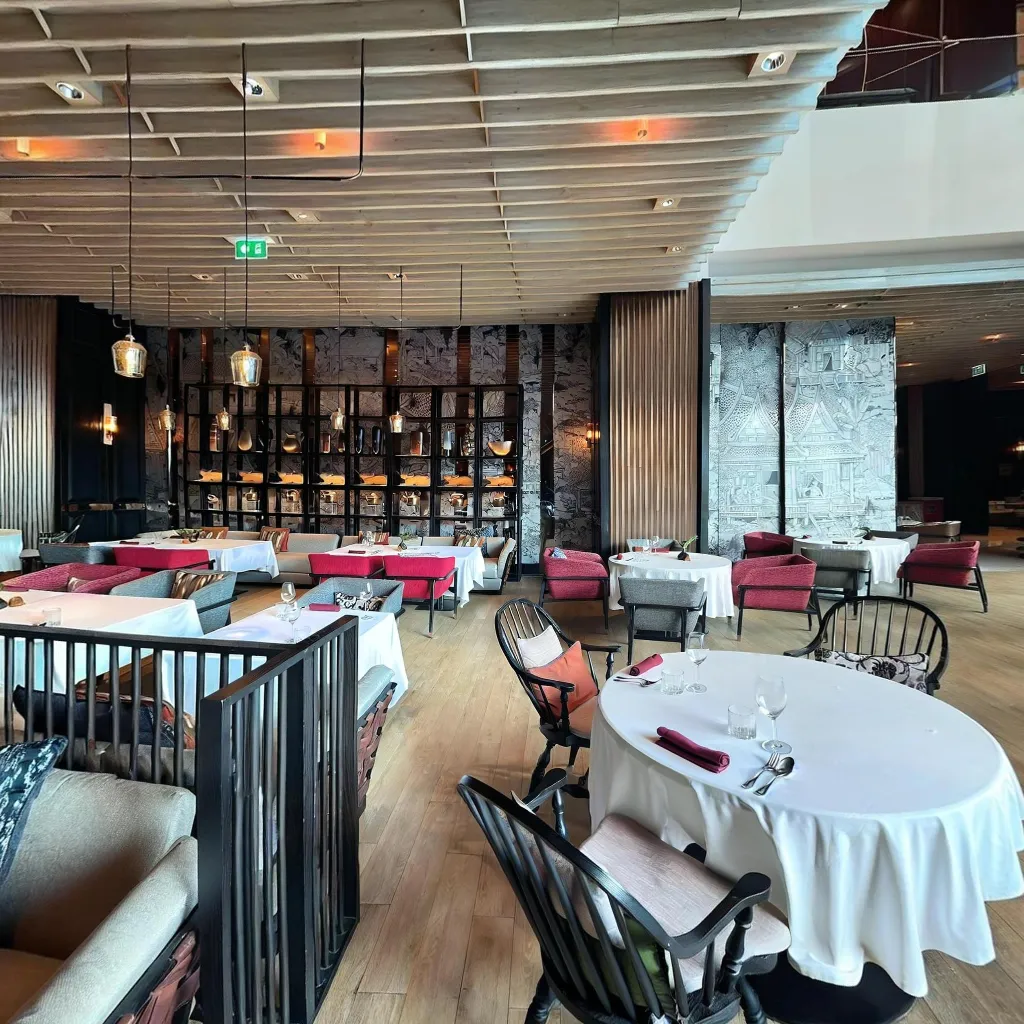
Vacation rental owners who add 360° virtual tours to their listings see an average 27% increase in booking rates and significantly fewer one-star reviews caused by "property didn't match expectations." An honest, comprehensive virtual tour sets accurate expectations, attracts the right guests, and reduces last-minute cancellations.
Why Virtual Tours Are Essential for Vacation Rentals
Guests booking vacation rentals are making high-trust decisions based entirely on digital content. A virtual tour reduces the "unknown" factor that causes booking hesitation. When guests can virtually walk through your property, verify the bed sizes, check the view from the living room, and assess the kitchen layout, they book with confidence — and arrive without disappointment.
What to Capture for a Vacation Rental Virtual Tour
Capture every space a guest will use: entrance and welcome area, living room(s), fully equipped kitchen, each bedroom and its bathroom, outdoor terraces, balconies, or gardens, pool or hot tub area, parking and building exterior. Don't hide small bathrooms or compact bedrooms — honest coverage builds trust, dishonest omissions destroy it.
How to Style Your Rental for the Virtual Tour
Style each room as if you're expecting your best guests: fresh towels folded on beds, fruit bowl on the kitchen counter, dining table set, outdoor furniture arranged for optimal enjoyment. Remove personal storage items from under beds and out of visible spaces. Open all curtains and blinds. Shoot when the property has the best natural light (morning for east-facing spaces, afternoon for west-facing).
Where to Share Your Vacation Rental Virtual Tour
Airbnb
Airbnb doesn't natively support iframe embeds, but you can add your Travvir tour link in the listing description with a strong CTA: "Take a virtual walkthrough: [link]." Guests click through to explore before booking.
Vrbo and Booking.com
Both platforms support virtual tour links in listing descriptions. Add the tour URL prominently near the top of your description.
Direct Booking Website
If you have a direct booking website (recommended for avoiding platform fees), embed the full Travvir iframe so visitors can tour the property without leaving your site. This dramatically increases direct booking conversion rates.
Continue Reading
Download Travvir & Start Creating

