

No dedicated 360° camera required

Your smartphone is the
only 360 camera app you need

Create 360 photos and 360 images, stitch a 360 panorama, and explore it in a built-in 360 viewer—mobile photography without dedicated hardware.

Try Now:

360 Camera App

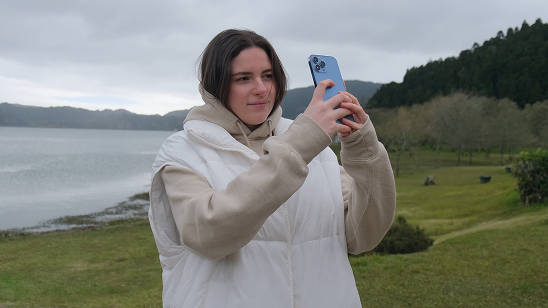
360 camera app for smartphone photography

Traditional dedicated 360 cameras are expensive, bulky, and slow to learn. Travvir turns the smartphone you already own into a professional capture tool for mobile photography—create 360 photos and immersive experiences without buying specialized hardware.

Open the Travvir app, capture a space, and AI automatically stitches your photos into seamless 360 panoramas. Link scenes into interactive virtual tours you can share or embed anywhere—or explore each scene in the built-in 360 image viewer.

No hardware purchase

Skip dedicated 360° cameras, mounts, and accessories. Your phone is enough.

Capture on your phone

The Travvir app guides you through scanning any space on iOS or Android.

AI stitches automatically

Overlapping frames are aligned, blended, and corrected into one seamless panorama.

Publish virtual tours

Connect scenes with hotspots and share interactive walkthroughs in minutes.

Definitions

What is a 360 camera app?

A 360 camera app turns smartphone photography into full-surround imagery—without buying dedicated hardware. Travvir is a 360 panorama app that captures, stitches, hosts, and plays back spherical photos in one workflow.

360 photo, 360 image, or 360 picture
A full-surround image—also called a spherical photo, spherical image, or photo sphere—that lets viewers look in every direction from one viewpoint. Travvir creates these from ordinary phone captures.
360 panorama
A seamless 360° scene stitched from overlapping frames. Travvir’s AI builds the panorama, then you can publish it as a single view or link scenes into a virtual tour.
360 viewer / 360 image viewer / 360 photo viewer
An interactive player for exploring spherical images by drag, scroll, or VR. Travvir hosts your 360 images in a cloud viewer with share links and website embeds.
Smartphone photography & mobile photography
Travvir is built for smartphone imaging: guided capture on iOS or Android replaces bulky 360 camera kits for real estate, hotels, retail, tourism, and marketing.

You don’t need to buy a 360° camera

Creating immersive virtual tours used to mean expensive gear and a steep learning curve. With Travvir’s 360 camera app, smartphone imaging is enough to capture spherical photos and publish them in a 360 viewer.

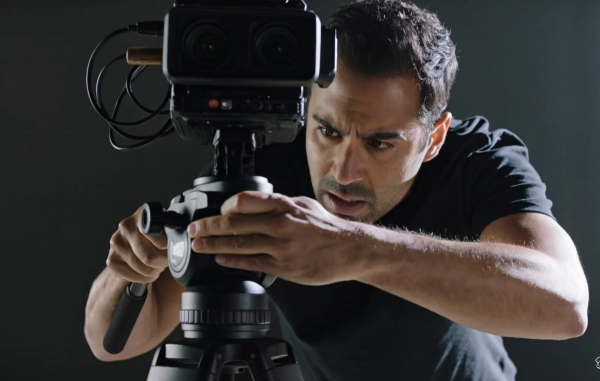
Traditional 360 camera capture with hardware and setup problems
Hard way

Traditional 360° tours

Dedicated gear, careful positioning, and a long list of things that can go wrong before you even start shooting.

  • Expensive hardware, mounts, and accessories
  • Tricky camera positioning and alignment
  • Steep learning curve for gear and stitching
  • Batteries, tripods, and extra tools to manage
  • Often needs a trained operator or cameraman
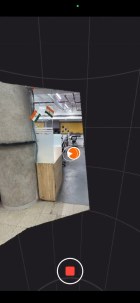
Travvir ShowCapture scanning a room for a 360 panorama on a smartphone
Easy way

ShowCapture — smartphone 360° scanning

ShowCapture is Travvir’s guided smartphone scanning workflow. Open the app, scan any space, and get the same immersive 360° photo without the camera kit.

  • Uses the smartphone you already own
  • Guided scanning anyone can follow
  • No mounts, batteries, or extra gear
  • AI stitches panoramas automatically
  • Publish interactive tours in minutes

Skip the dedicated hardware. See ShowCapture in action then create the same immersive tour with just your phone.

Side by side

Dedicated 360 camera vs Travvir

Dedicated kits capture spherical photos with extra gear. Travvir is a 360 panorama app that turns smartphone imaging into photo spheres you can host in a cloud 360 viewer.

Dedicated 360° camera

  • Hundreds of dollars in 360 camera hardware and accessories
  • Extra device to charge, carry, and protect
  • Learning curve for gear and firmware
  • Often needs separate stitching, hosting, and 360 viewer tools
  • Harder to scale smartphone photography across many locations

Travvir 360 camera app + smartphone

  • Uses the phone you already own for 360 photos and 360 images
  • Always with you — capture spherical images anytime, anywhere
  • Guided 360 camera app capture anyone can learn quickly
  • AI stitching, cloud hosting, and 360 photo viewer in one platform
  • Share links or embeds in minutes

ShowCapture — 360 photo & 360 image capture

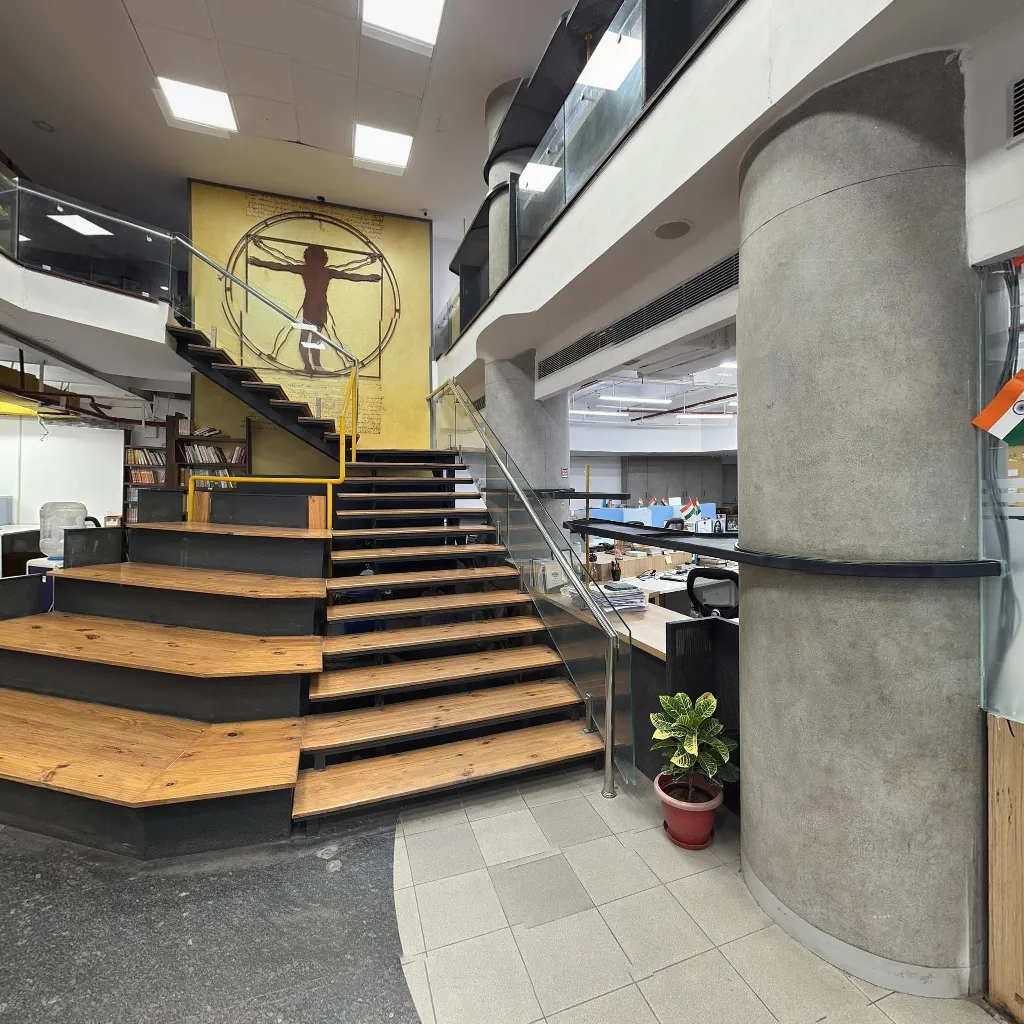
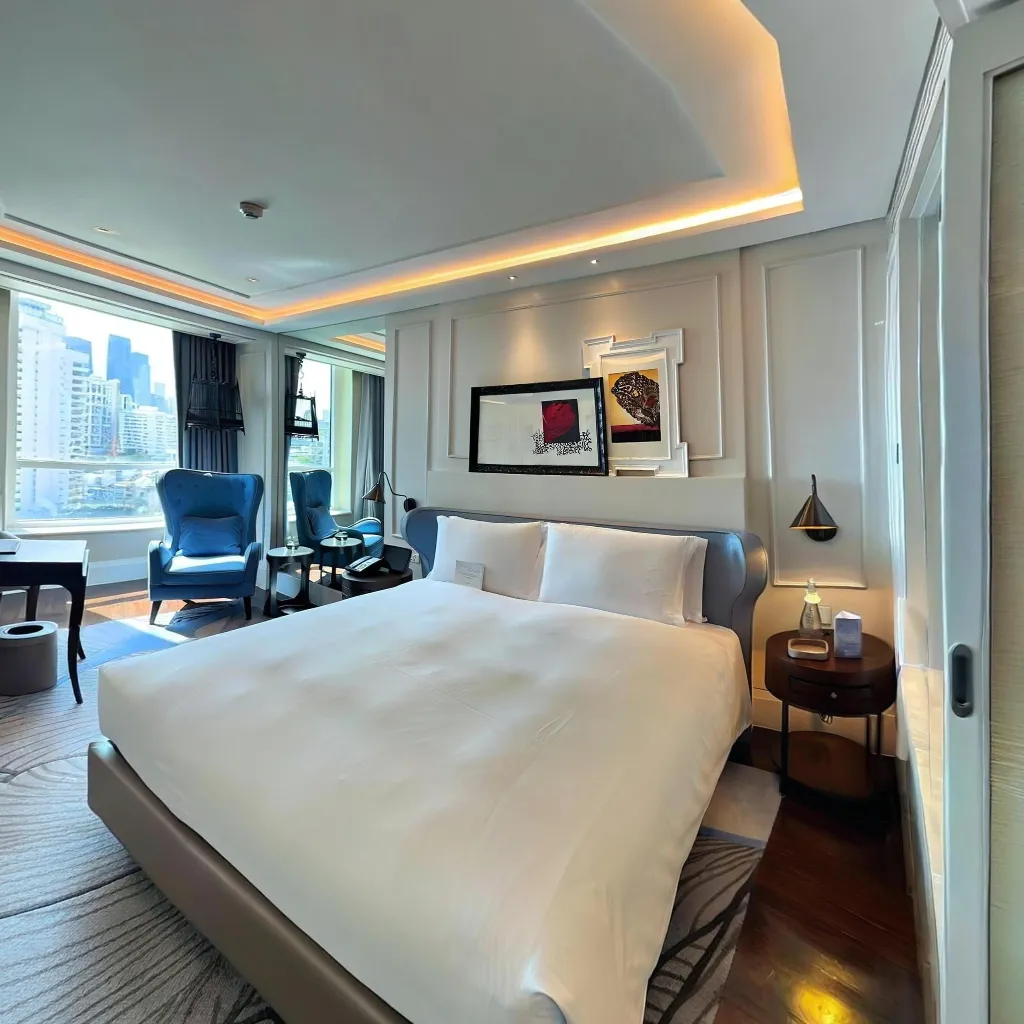
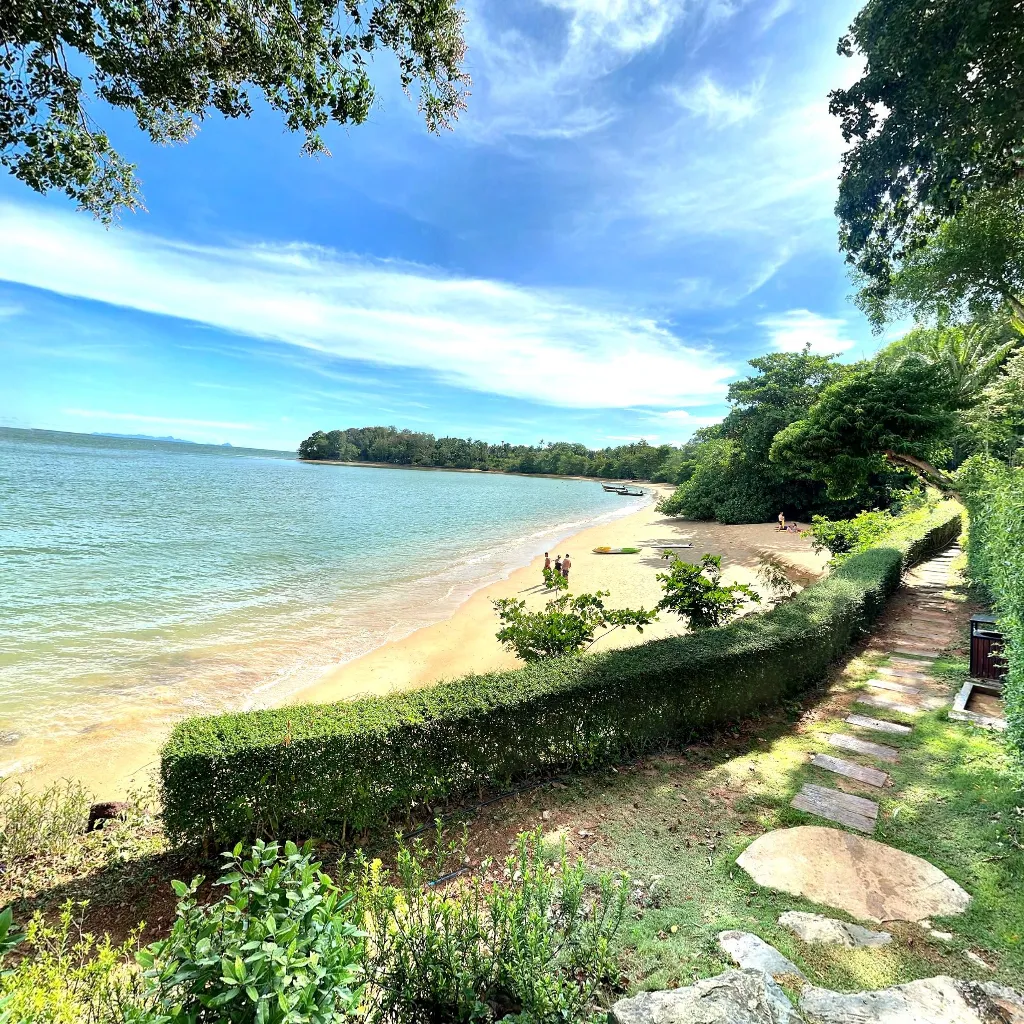
Capture 360 photos and 360 images with your phone

No dedicated camera or extra hardware. Scan in the Travvir 360 camera app, refine on screen, and publish a spherical image ready for the 360 photo viewer.

Smartphone scanning workflow creating a 360 image with Travvir ShowCapture

Scanning Process

Travvir 360 camera app interface for capturing 360 pictures on a smartphone

App Interface

Output

How to create a 360 panorama with your phone

  1. 01

    Capture on Travvir

    Open the Travvir 360 camera app and follow the on-screen guides to scan any space with your smartphone. Stand near the center of the room, rotate slowly, and capture overlapping frames for smartphone photography—no tripod kit or special lens required. Learn how it works or see how to take 360 photos with your phone.

  2. 02

    AI stitches automatically

    Upload your capture and Travvir’s AI detects overlaps, aligns frames, blends edges, and corrects distortion into one seamless 360 panorama—a spherical image (photo sphere) ready for the 360 viewer. Processing typically finishes in minutes so you can review Ultra HD detail before publishing.

  3. 03

    Publish interactive tours

    Link scenes with hotspots into a virtual tour, then share a link or embed the 360 photo viewer / 360 image viewer on your website. Visitors explore every angle on phone, desktop, or VR—no separate hosting tools required.

Benefits for mobile photography and smartphone imaging

Keep quality high and logistics low. Travvir is built for speed, savings, and smartphone photography—create 360 pictures from the phone you already own.

01

Save money

Skip dedicated cameras, mounts, and replacements. Your smartphone is the capture device.

02

Easy to use

Guided capture and automatic processing—no specialist mobile photography workflow required.

03

AI-powered stitching

Intelligent alignment and blending turn overlapping phone photos into seamless 360 images and spherical scenes.

04

High-quality results

Ultra HD 360 panoramas ready for web, mobile, and VR presentations in the 360 viewer.

05

Anytime, anywhere

Shoot a listing, venue, or storefront on the go and publish from the cloud.

Platform

360 viewer, hosting, and embeds in one app

Capture 360 photos, stitch a 360 panorama, host it in a cloud 360 image viewer, and share—without buying specialized hardware.

  • AI panorama stitching

    Automatic alignment and blending from phone captures into seamless 360° scenes and spherical images.

  • Ultra HD quality

    Capture stunning 360° panoramas with up to 16K resolution for unmatched clarity and detail.

  • Interactive 360 viewer

    Open every 360 photo in a 360 photo viewer / 360 image viewer with drag, scroll, and VR-ready playback.

  • Multi-scene virtual tours

    Connect rooms and locations so visitors can walk through an entire property.

  • Embed & share

    Drop an embed code on any site or send a link the moment processing finishes.

  • Cloud hosting

    Store, manage, and update every 360 panorama and tour securely in Travvir’s cloud.

360 camera app use cases: real estate, hotels, tourism & more

Create professional 360 photos and virtual tours with smartphone photography across the industries that sell spaces and experiences.

Real Estate

Listings with immersive walkthroughs no camera kit on site.

Hotels

Tour rooms and amenities before booking, captured on a phone.

Tourism

Invite visitors into destinations with 360° walkthroughs.

Education

Campus and classroom tours for remote and local students.

Retail

Interactive store walkthroughs that extend the showroom online.

Healthcare

Orient patients with clear facility and clinic tours.

Architecture

Present spatial design with high-fidelity 360° scenes.

Construction

Document progress and share site context with stakeholders.

Museums

Digitize galleries and exhibitions for global audiences.

Event Spaces

Help planners explore venues before committing.

FAQ

Frequently asked questions

  1. 01

    What is a 360 camera app?

    A 360 camera app lets you capture and stitch full-surround images with a smartphone instead of dedicated hardware. Travvir guides capture, AI-stitches overlapping frames into a spherical photo (photo sphere), and hosts an interactive 360 viewer you can share or embed.

  2. 02

    What is a 360 photo, 360 image, or spherical photo?

    A 360 photo (also called a 360 image, 360 picture, spherical image, or photo sphere) is a full-surround panorama that lets viewers look in every direction from a single viewpoint. Travvir creates these from ordinary smartphone photography.

  3. 03

    What is a 360 viewer or 360 image viewer?

    A 360 viewer (or 360 photo viewer / 360 image viewer) is an interactive player that lets people drag, scroll, or use VR to explore a spherical image. Travvir hosts your 360 panoramas in a cloud viewer with share links and website embeds.

  4. 04

    Do I need a 360 camera to create virtual tours?

    No. Capture with your smartphone in the Travvir 360 camera app, and AI stitches your photos into seamless 360 panoramas and interactive virtual tours — without dedicated hardware.

  5. 05

    How does Travvir replace dedicated capture hardware?

    You capture overlapping photos with your phone. Travvir’s AI detects overlaps, aligns frames, blends edges, and outputs a professional 360 panorama you can publish as a virtual tour or explore in the 360 viewer.

  6. 06

    Is a smartphone good enough for professional results?

    For most real estate, hospitality, retail, tourism, and marketing use cases, yes. Modern smartphone imaging plus Travvir’s AI delivers Ultra HD 360 images without the cost, bulk, or learning curve of specialized gear.

  7. 07

    How much can I save compared with buying specialized gear?

    Dedicated 360 cameras and accessories often cost hundreds of dollars. Travvir uses the phone you already own, so you avoid hardware purchase, replacements, and specialized kits while still getting a 360 panorama app workflow.

  8. 08

    Is Travvir easy to use if I’m not a photographer?

    Yes. The app guides smartphone photography capture, AI handles stitching and enhancement automatically, and you publish with a link or embed code — no complex editing workflow required.

  9. 09

    Can I create virtual tours anytime, anywhere?

    Yes. Capture on iOS or Android wherever you are, upload for AI stitching, and share or embed your interactive virtual tour from the cloud.

  10. 10

    Where can I learn more about smartphone capture?

    See our guide on creating a virtual tour without a 360 camera, how to take 360 photos with your phone, and whether you need a 360 camera. Also explore our 360 panorama and virtual tour pages.

GET STARTED

Ready to try the 360 camera app?

Download Travvir and create high-quality 360 photos and panoramas with AI stitching, then explore them in the 360 viewer and publish interactive virtual tours anytime, anywhere.

Download Travvir on the App StoreGet Travvir on Google Play