

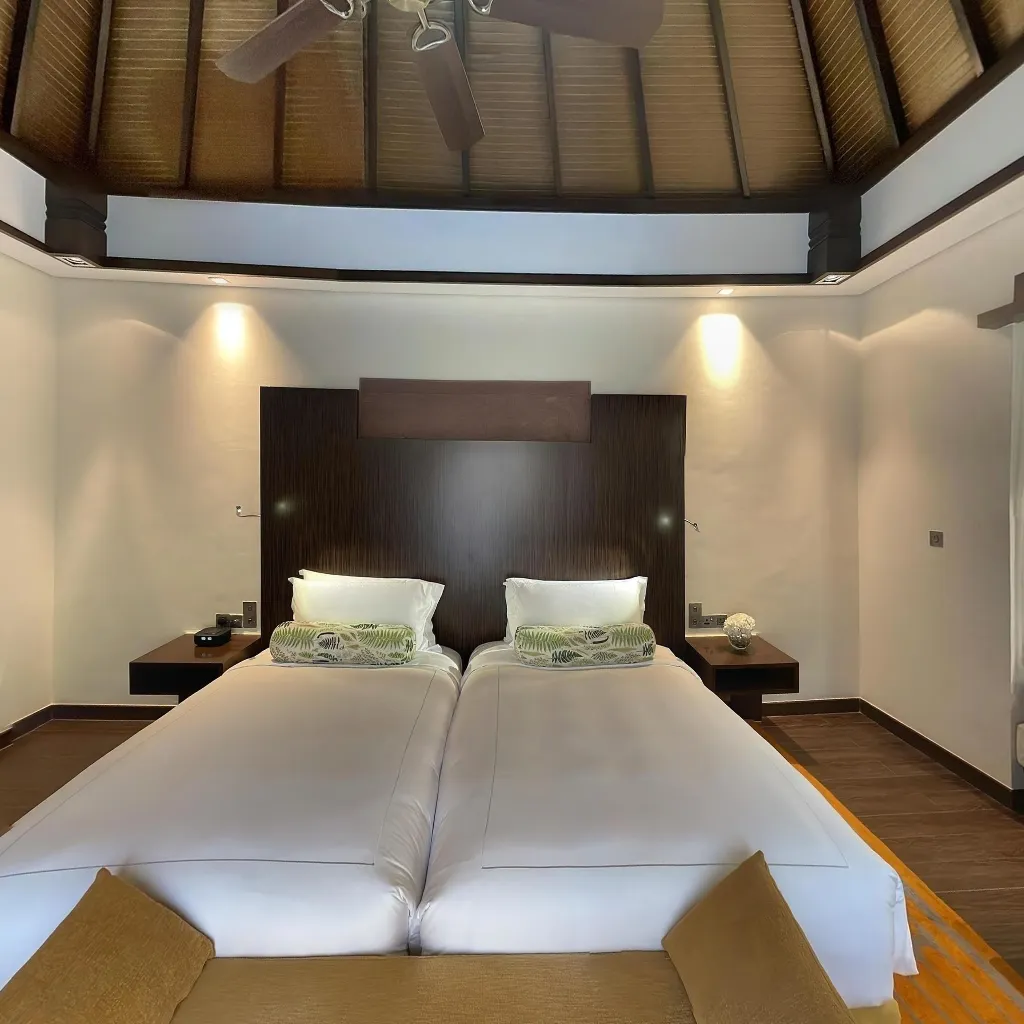
You don't need a 360 camera to create professional virtual tours. Millions of people assume they need to spend $300–$1,500 on a dedicated 360° camera before they can start. The truth: any modern smartphone — even a mid-range model — can produce stunning virtual tours when you use the right app and technique. Try Travvir's 360 Camera app (or the 360 Panorama app) to capture and stitch tours without a dedicated camera. See also do you need a 360 camera?
How Virtual Tours Are Made Without a 360 Camera
Traditional 360 cameras capture the full sphere in a single shot using two wide-angle lenses. Smartphone AI apps like Travvir replicate this result by: guiding you to capture multiple overlapping frames while rotating, using AI to analyse the overlap between frames, stitching them into a seamless equirectangular panorama, and applying tone mapping and exposure correction automatically.
The output is indistinguishable from a single-shot 360 camera for typical virtual tour viewing distances — and in some cases produces higher resolution results because the main smartphone camera sensor is often superior to those in budget 360 cameras.
Step-by-Step: Create a Virtual Tour Without a 360 Camera
Step 1 — Download Travvir
Download the Travvir app on iOS or Android to start your free trial. The app's AI capture mode handles everything — you don't need any photography knowledge to get started.
Step 2 — Choose Your Capture Mode
Open a new tour project and select "AI Capture Mode." Travvir's guided capture will walk you through exactly how to rotate and angle your phone to capture sufficient coverage for a seamless stitch.
Step 3 — Capture Your First Room
Stand in the centre of the room. Follow Travvir's on-screen guide: rotate slowly and smoothly, keeping the phone at a consistent height. The AI confirms when you've captured enough coverage. Repeat for each room.
Step 4 — Process and Publish
Travvir's AI stitches your captures in the cloud. Processing takes 1–3 minutes per room. Once complete, link rooms with hotspots and publish. You have a fully navigable virtual tour — created entirely with a smartphone, no 360 camera required.
Smartphone vs 360 Camera: Quality Comparison
For real estate and business marketing: smartphone AI tours and dedicated 360 camera tours are visually comparable at normal viewing sizes. For large-print or VR headset applications, dedicated 360 cameras with larger sensors have an advantage. For 99% of virtual tour use cases (websites, MLS listings, Google Business), your smartphone is completely sufficient.
Continue Reading
Related Articles
The Ultimate Guide to Creating Real Estate Virtual Tours with a Smartphone (2026)
How to Make a Virtual Tour with Your Phone (Step-by-Step)
360° Photography on Mobile: A Beginner's Guide (No Camera Needed)
Download Travvir & Start Creating

