

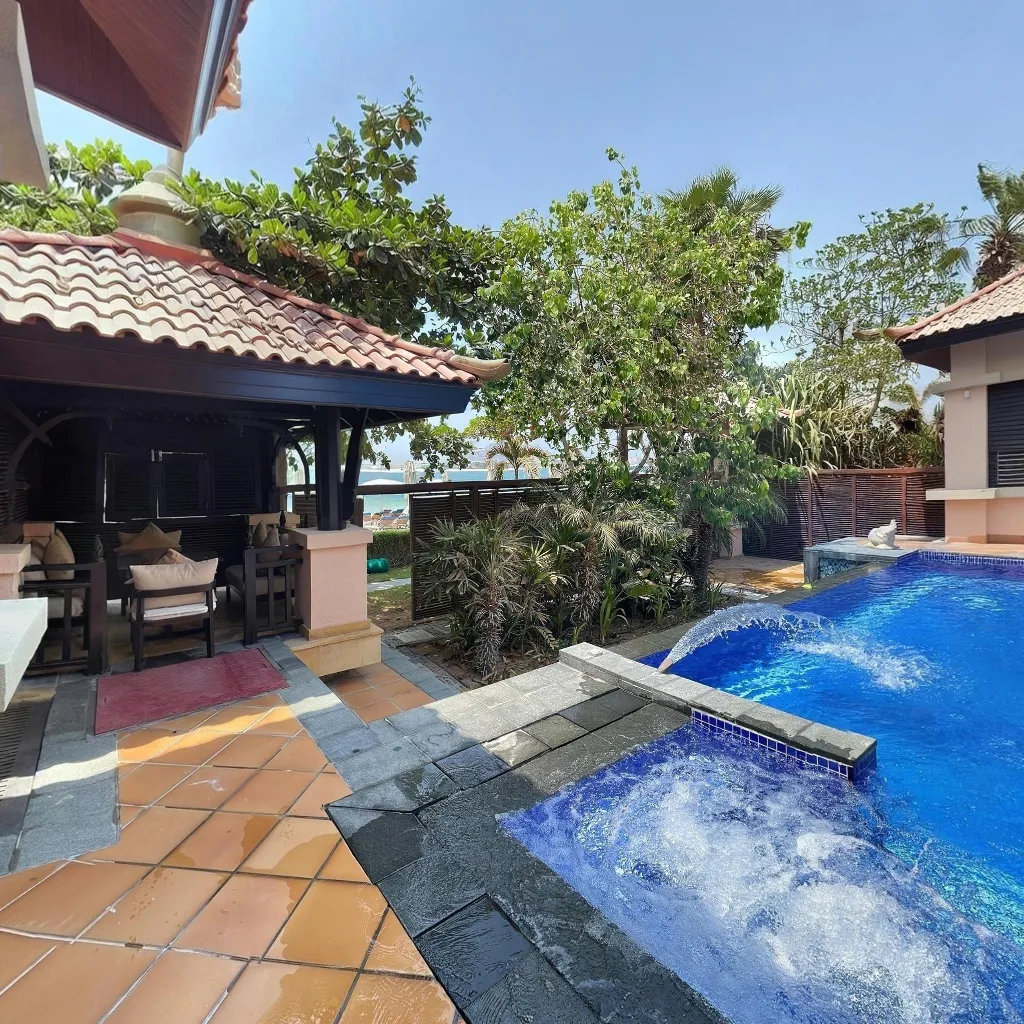
Wedding venues that offer virtual tours convert 40% more inquiries into bookings without requiring couples to visit in person first. With destination weddings increasingly common and busy couples doing all their research online, a virtual tour has become an essential marketing asset for any venue competing for bookings.
Why Wedding Venues Need Virtual Tours
Couples shortlist 5–10 venues online before visiting any in person. If your venue doesn't offer an immersive digital experience, you're likely being filtered out before you even get the chance to show what makes you special. A virtual tour gives couples the confidence to book a site visit — or sometimes book directly without one.
What to Include in Your Wedding Venue Virtual Tour
Capture every space a couple will use on their day: the ceremony space (indoor and outdoor options), cocktail reception area, dining hall, bridal suite and groom's room, gardens and exterior, catering kitchen, parking and arrival experience, and any unique features (chapel, lake, terrace, etc.).
Tips for Photographing Your Venue for a Virtual Tour
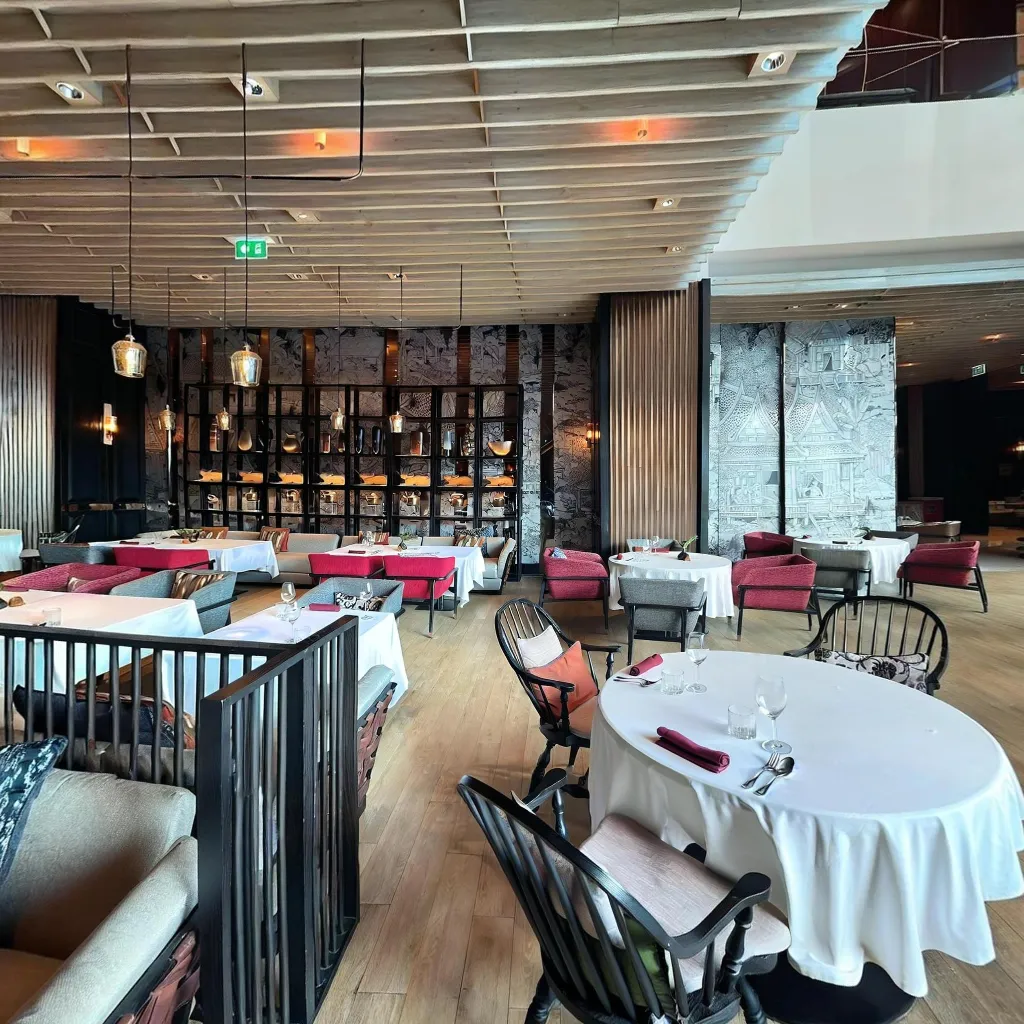
Style the spaces: add flowers, candles, and table settings to show the venue at its best. Shoot during golden hour for outdoor areas. Use all lighting modes — show the ceremony room lit for a daytime wedding and then for an evening reception. Capture capacity: show the room both empty and set for a full wedding to help couples visualise their day.
How to Create Your Wedding Venue Virtual Tour
Download Travvir and follow the guided capture process for each space. Travvir's AI stitches each room into a seamless 360° panorama. Link spaces together with hotspots and add informational labels (capacity, dimensions, features). Publish and embed the tour on your website's pricing and packages page — exactly where couples are making decisions.
Where to Share Your Venue Virtual Tour
Beyond your own website: submit to wedding directories like The Knot and WeddingWire, share Instagram Reels using the tour as the centrepiece, add to your Google Business Profile, include in inquiry response emails, and feature in paid social ads targeted at engaged couples in your region.
Continue Reading
Download Travvir & Start Creating

