

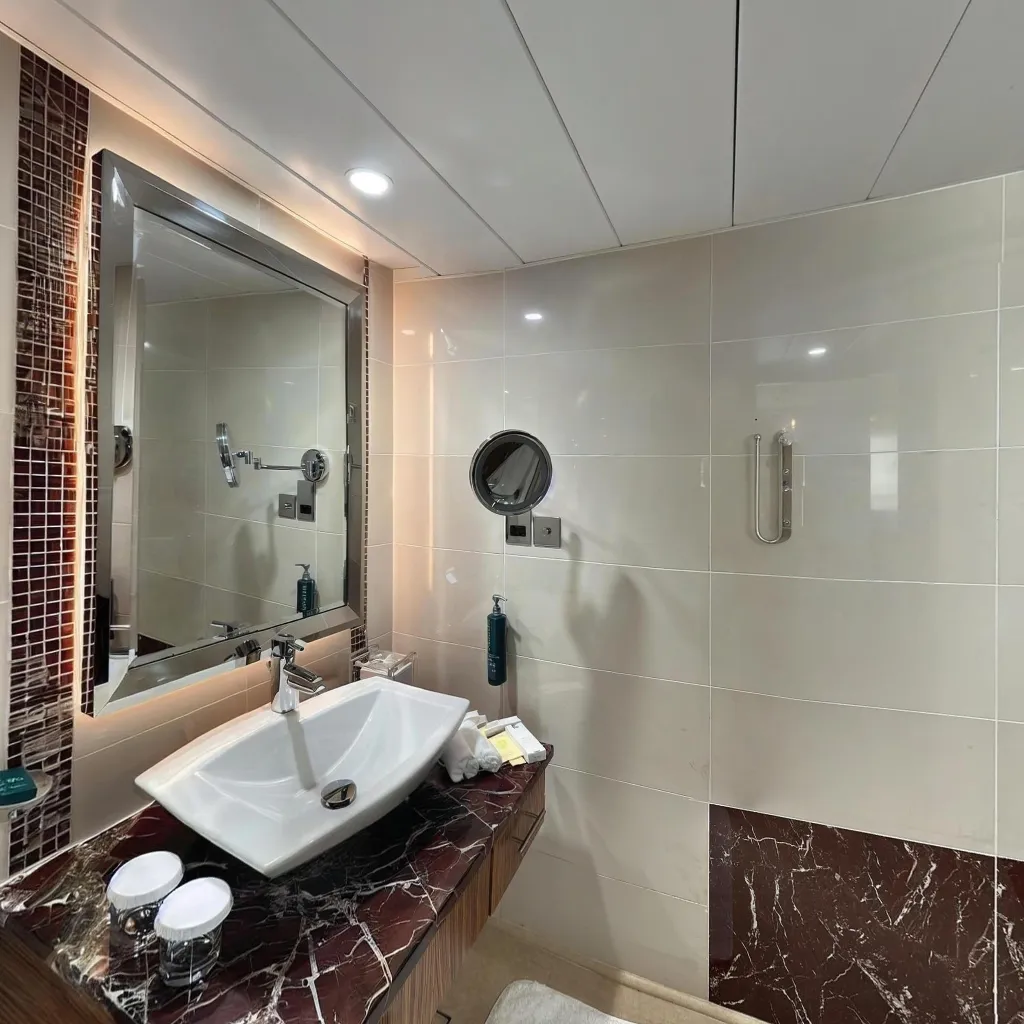
Learning how to make a virtual tour for real estate is one of the highest-ROI skills an agent or photographer can have in 2026. With search interest up +4,400% in the past month alone, buyers expect interactive tours before they schedule a viewing. This guide walks you through every step — from capturing 360° photos on your smartphone to publishing a polished tour that attracts serious buyers. Travvir's free trial includes tour creation, hosting with a shareable link, iframe embed, and e-visits — plus pano-to-image and pano-to-video, which are always free. Download the Travvir app to get started.
Key Takeaways
- A real estate virtual tour can be created with just a smartphone in under 45 minutes.
- AI-powered apps handle stitching, enhancement, and hosting automatically.
- Listings with virtual tours receive 87% more views and sell 20% faster.
- Capture every room in a clockwise order for consistent, professional results.
- Embed tours directly in MLS listings, Zillow, and your agency website.
Why Real Estate Virtual Tours Matter More Than Ever
Listings with virtual tours receive 87% more views than those with standard photos alone. Remote buyers, international investors, and time-poor professionals rely on them to shortlist properties without physically visiting. In competitive markets, a virtual tour is no longer a luxury — it's a baseline expectation.
The great news: you no longer need a $3,000 Matterport camera or a professional photographer. Modern AI apps like Travvir let you create broadcast-quality 360° virtual tours using the smartphone already in your pocket.
What You Need Before You Start
Equipment Checklist
To make a real estate virtual tour with your phone you need: a smartphone with a quality camera (iPhone 13+ or Android equivalent), the Travvir app (Travvir offers a free trial), and good natural or artificial lighting. A compact tripod helps but is not mandatory for most rooms.
Prepare the Property
Declutter every room before shooting. Remove personal items, open all blinds to maximise natural light, turn on all overhead lights, and straighten furniture. A clean, well-lit space photographs dramatically better and keeps viewer attention on the property rather than distractions.
Step-by-Step: How to Make a Virtual Tour for Real Estate
Step 1 — Download and Set Up Travvir
Download the Travvir app to start your free trial from the App Store or Google Play, then tap "New Tour." The free trial includes tour creation, hosting, embed, and e-visits. Travvir's AI guides you through the capture process with real-time feedback, so you always know when you've captured enough angles for a seamless stitch.
Step 2 — Capture Each Room
Stand in the centre of the room and slowly rotate your phone in a smooth circle. Travvir's AI captures the optimal frames automatically. For a standard property, plan on roughly 2–3 minutes per room. Capture the entrance, living room, kitchen, each bedroom, bathrooms, and outdoor areas.
Step 3 — Let AI Stitch the Tour
Once captured, Travvir's AI stitches each room's panorama automatically — no manual editing required. The engine corrects exposure inconsistencies, removes the photographer's reflection, and produces a clean equirectangular image ready for the viewer.
Step 4 — Add Hotspots and Navigation
Link rooms together with clickable hotspots so viewers can walk through the property logically. Add text labels for room names, square footage callouts, or feature highlights. These interactive elements increase average viewing time by over 3x compared to static slideshows.
Step 5 — Publish and Share
Hit "Publish." Travvir generates a shareable link and an embed code, and tracks e-visits on your tour. Pano-to-image and pano-to-video are always free. Add the tour to your MLS listing, paste the embed code into your listing website, share directly to WhatsApp or email, and add the link to your Google Business Profile for additional local SEO benefit.
Best Practices for Real Estate Virtual Tours
Shoot during the golden hour — morning or late afternoon light makes interiors feel warm and inviting. Use a consistent height throughout the property so the tour feels smooth when viewers move between rooms. Capture the exterior first so viewers get context before entering. Keep the tour under 20 rooms — overly long tours lose viewer attention.
How to Share Your Real Estate Virtual Tour
Once published, distribute your virtual tour across every platform where buyers are searching: embed it in Zillow and Realtor.com listings, post to LinkedIn and Instagram Stories, add to Google Business Profile, include in email marketing campaigns, and create a dedicated landing page for each property.
Frequently Asked Questions
How long does it take to make a virtual tour for real estate?
With Travvir, the average 3-bedroom property takes 20–30 minutes to capture and the AI processes the stitching in under 5 minutes. Total time from start to published tour: under 45 minutes.
Do I need a special camera?
No. Any modern smartphone with a 12MP or higher camera will produce excellent results. Travvir's AI compensates for hardware limitations and delivers professional-quality output.
How much does a real estate virtual tour cost?
Travvir offers a free trial — tour creation, hosting, embed, and e-visits included — so you can create tours with your smartphone to get started. Pano-to-image and pano-to-video are always free. Professional plans with advanced features start at a low monthly fee. Compare this to hiring a professional virtual tour photographer ($200–$500 per property) and the ROI is immediately clear.
Are pano-to-image and pano-to-video really free?
Yes. Pano-to-image and pano-to-video are always free in the Travvir app. Download the Travvir app to get started.
Continue Reading
Related Articles
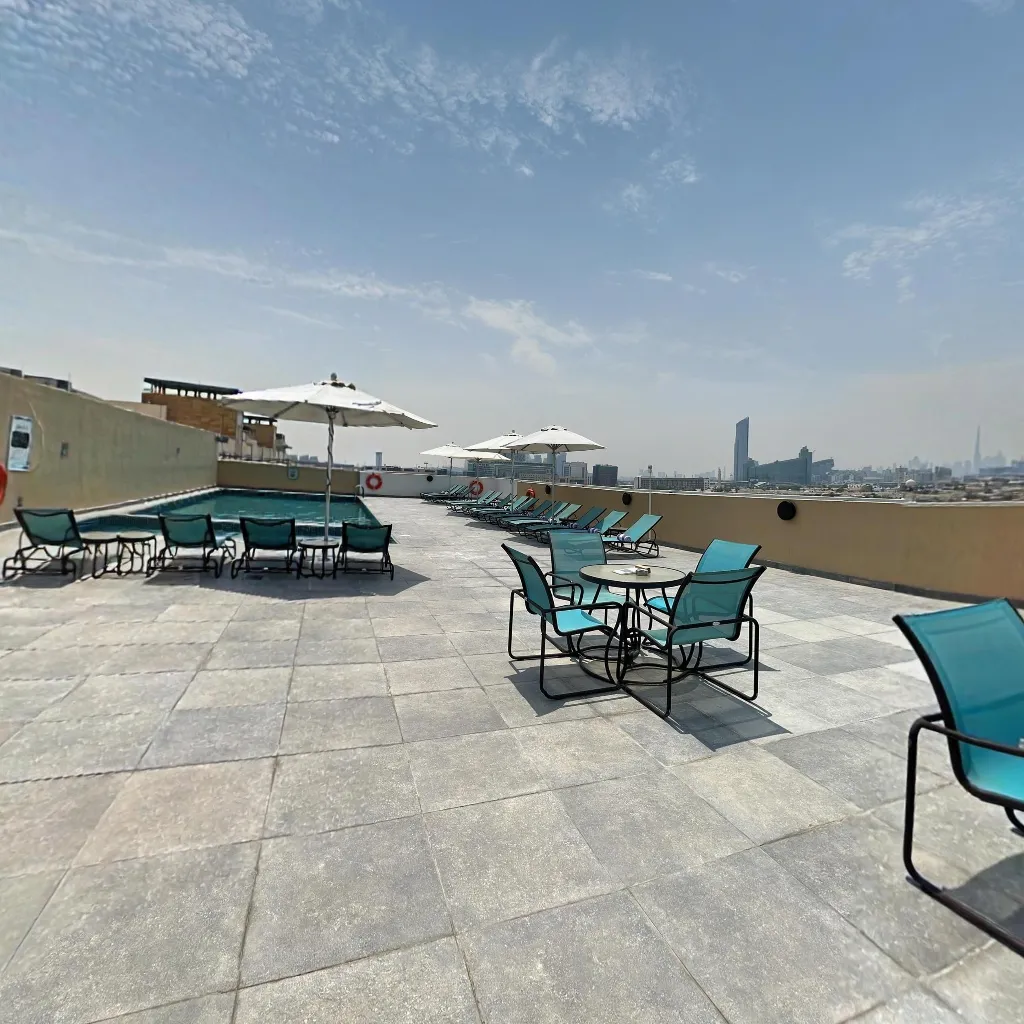
The Ultimate Guide to Creating Real Estate Virtual Tours with a Smartphone (2026)
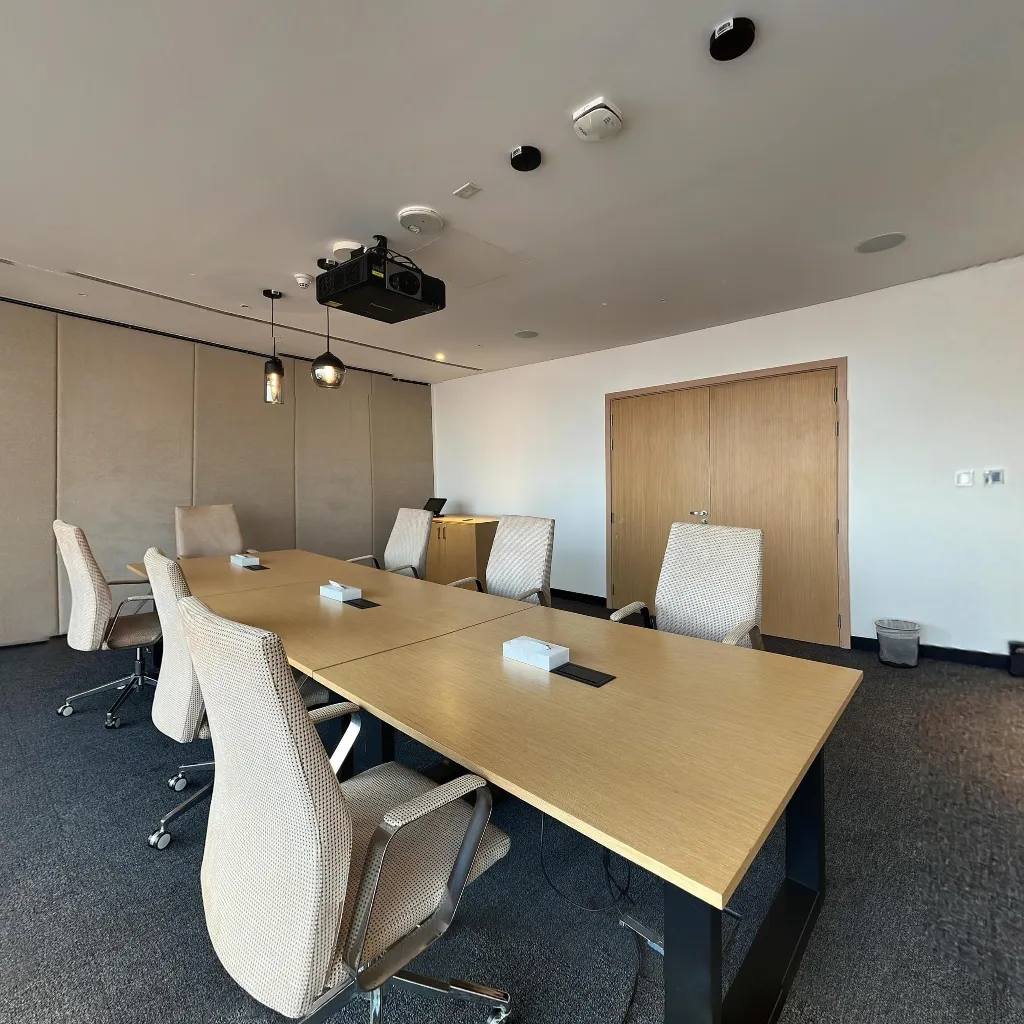
How to Create an Immersive Property Tour with Your Phone
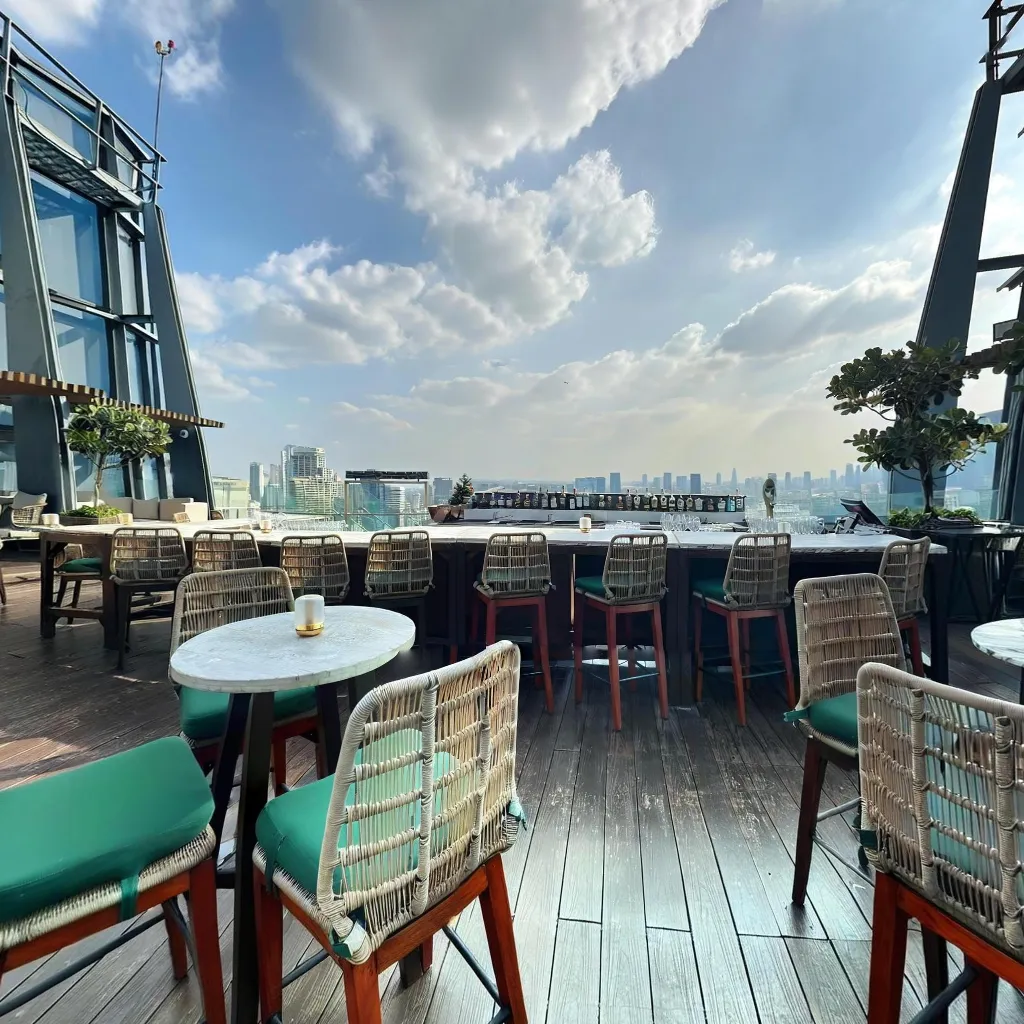
How to Add a Virtual Tour to Your Property Listing (MLS & Portals)
Download Travvir & Start Creating

